My Documents, Trash and sharing: FlowDraw update, 15 Jul 2026
FlowDraw update for 15 July 2026: My Documents, Trash and shared documents are finished in the first version, with new sign-up and password recovery.
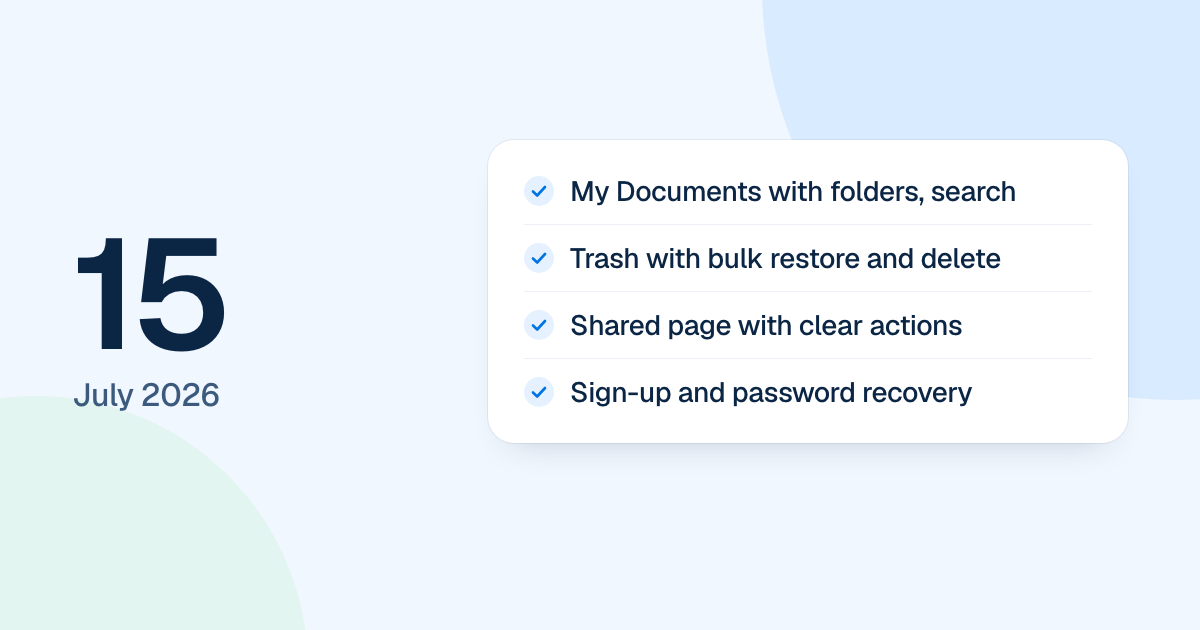
Three dashboard pages were finished on 15 July 2026: My Documents, Trash and Share with Me. Sign-up and password recovery were redone the same day. FlowDraw was on its first version then, and boards were still called documents.
Quick AnswerThe 15 July update finished the first version’s document pages: My Documents with folders and search, Trash with bulk restore and permanent delete, and Share with Me with clear actions. Sign-up gained new checks, and password recovery became a series of steps with a one-time code.
My Documents, folders and search
My Documents became one saved workspace of nested folders and documents. You could drag a document to move it, copy a folder with everything inside, and give people owner, editor or viewer access to a folder, which its contents inherited. Search ranked its results and showed only what you could open. Notifications kept their unread and read state.
Trash and sharing
Trash listed documents and folders together, with search, filters for type and deletion date, and card or table views. You could restore or delete one item or many, and “Empty Trash” asked first, naming what would go. If part of a bulk action failed, the failed items stayed selected so you could try again. Only an owner could delete for good.
Share with Me got cards, a table and phone layouts. Its actions were open, copy link, download as PDF, duplicate, rename if you could edit, and remove your own access where it was direct.
Sign-up and password recovery
The sign-up page asked for a first and last name, a password confirmation and an unchecked terms box, and it caught common email domain typos. Password recovery became a series of steps: email, one-time code with resend, new password, then a success or failure page. A reset code works once. The Redeem page was also rebuilt, with a code field in three parts.
In the rebuilt FlowDraw, My Documents became “My boards” and folders go one level deep. Trash keeps “Restore”, “Delete forever” and “Empty trash”, and password reset still uses an emailed code. More dated notes are under Updates.