




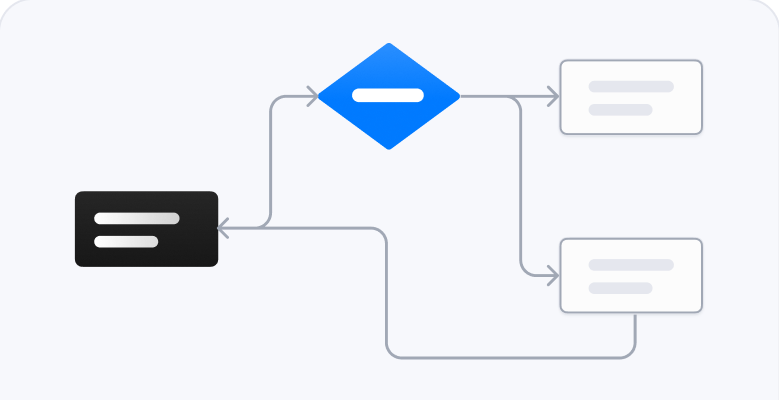
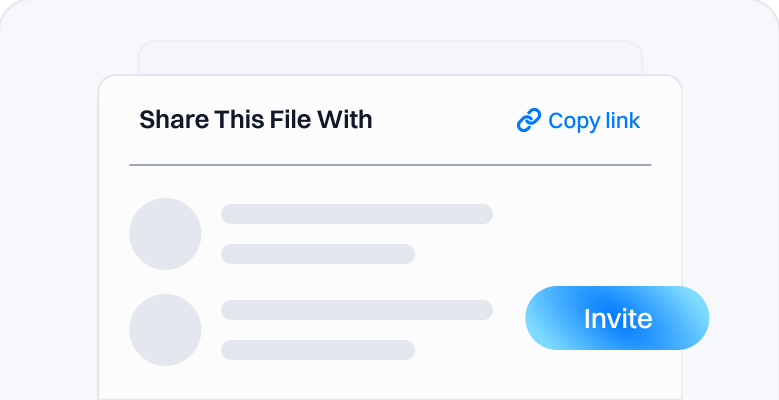
Without FlowDraw

 Build every step and connection manually
- Spend time aligning shapes and fixing layouts
- Rework the chart whenever requirements change


 FROM TEXT TO DIAGRAM
Turn prompts, text, PDFs, or Word files into editable AI drafts. Review, refine, and share with ease.
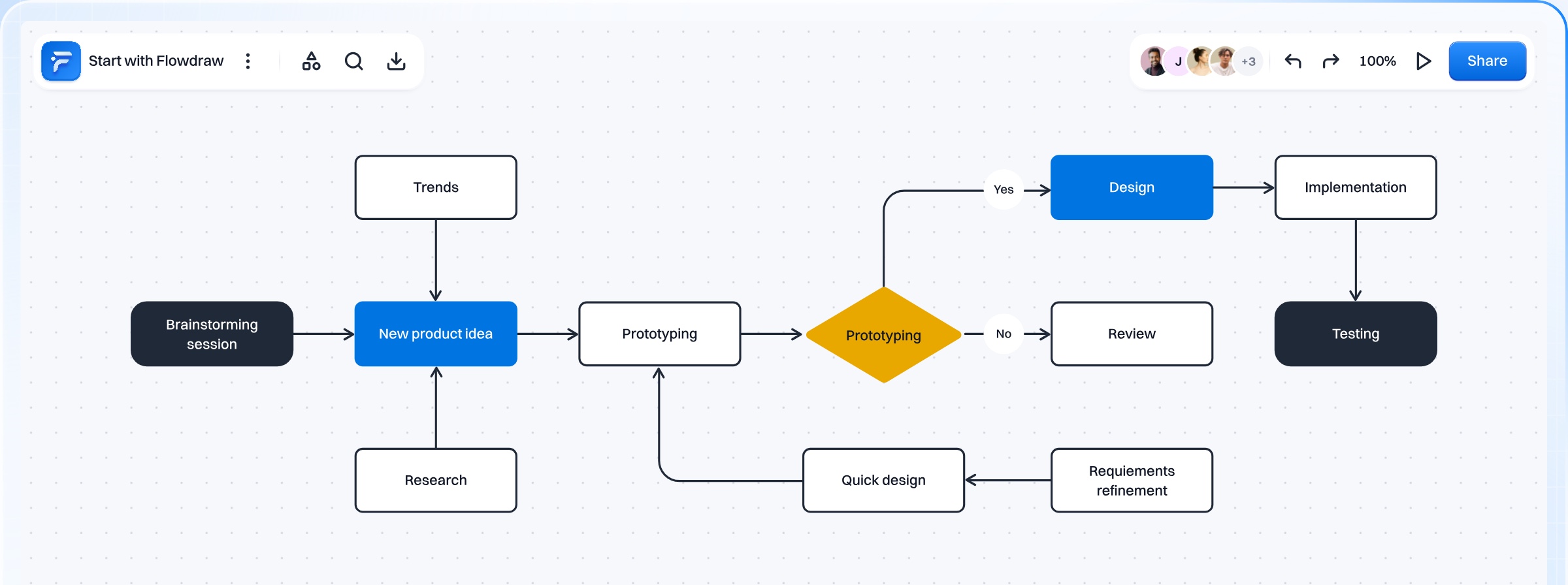
Turn your requirements into a clear, shareable flowchart in three simple steps.
Explore mind maps, flowcharts, ER diagrams, and Kanban boards for different ideas and tasks.
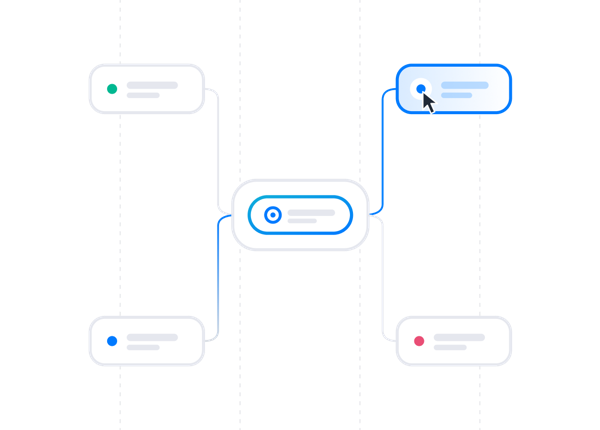
Brainstorm ideas and explore connections.
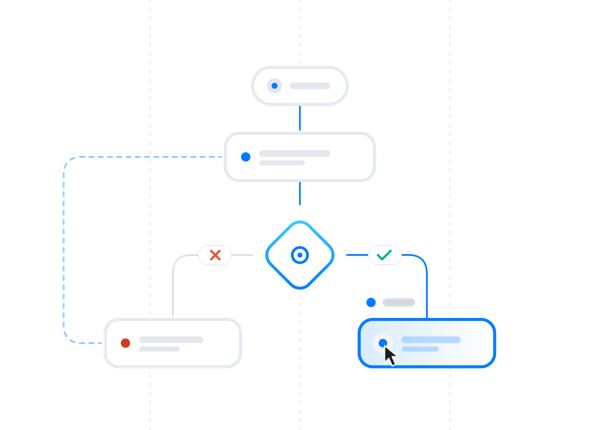
Map processes and visualize decision flows.
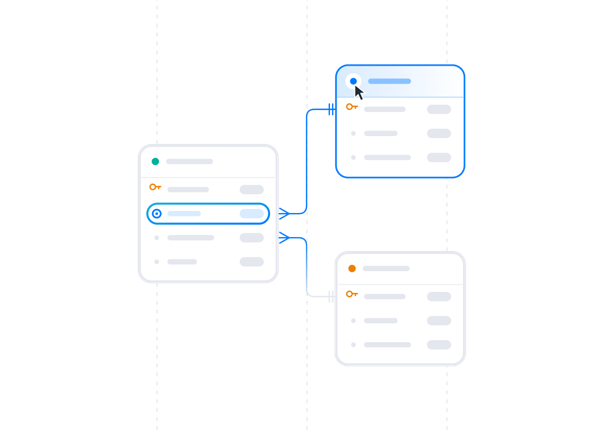
Model data and explore connections.

Track work and keep teams aligned.
AI gives you a clear starting point—you stay in control of the final flowchart.
Build every step and connection manuallySpend time aligning shapes and fixing layoutsRework the chart whenever requirements change Generate a structured first draft with AIEdit every shape, label, and connectionReview, refine, and share in one workspace
Start with an idea or content you already have.

Describe an idea and create an editable diagram draft.
Turn notes and written content into editable diagrams.
Turn content from a PDF into an editable diagram draft.
Turn content from a Word document into an editable diagram draft.
Get feedback, make updates, and keep everyone aligned

Everything you need to know about creating, editing, exporting, pricing, and privacy.
Start with a prompt, pasted text, a PDF, or a Word document. Generate an AI draft, then review and edit the result.
Turn your ideas, notes, or documents into a clear,
editable flowchart in seconds.


