Why reading a diagram should not cost a seat
Why reading a diagram should not cost a seat: what charging readers does to teams, why screenshots go stale, and exactly how FlowDraw counts its seats.
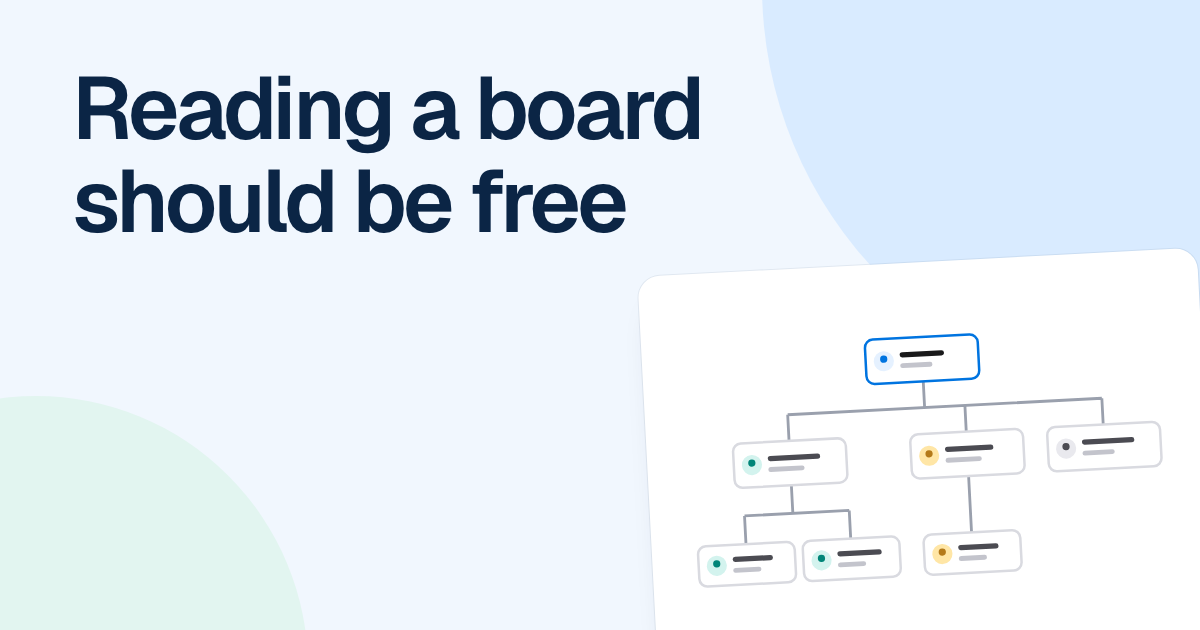
The people who get the most from a diagram rarely draw it. A support agent checks the refund flow before answering a ticket, a new hire reads the org chart in their first week, and a finance lead opens the approval path before an audit.
Quick AnswerReading a diagram should not cost a seat, because a diagram only pays off when people read it. Charge per reader and teams ration access, so screenshots spread and go stale. A fairer line charges for the people who change the diagram and lets others view and comment without one.
What happens when reading a diagram costs a seat
Charging per reader turns access into a budget question. Someone has to decide, ahead of time, who is worth paying for, and the people who need a diagram only a few times a year rarely make the cut. That is a sensible call for whoever holds the budget. The consequences just do not show up on the invoice.
The first one is the screenshot. Someone with a seat exports a picture and drops it into the wiki, the onboarding deck and a support macro. The diagram now lives in several places, and only one of them can change.
The second arrives months later. Billing changes who approves large refunds, and the owner updates the board. The picture in the support handbook still shows the old route, so agents keep sending requests to the wrong team. Nobody connects the two, because the people reading the old copy never had a link to the current one.
The third is the correction that never arrives. The agent who knows a step has not been manual since March is exactly who you want reviewing the flow. Without access, that knowledge becomes a chat message at best.
That third point is why we treat commenting as part of reading, not as a lighter form of editing. A comment pinned to a step changes nothing by itself, and the owner still decides. It is also how stale diagrams get caught and how a review can happen without a meeting.
You can test all this on your own team without a survey. Pick your most used process diagram, count the copies of it you can find, and check how many still match the original.
The fair objections
This position has costs, and you may weigh them differently.
Heavy readers get value without paying. True. A department with two editors and a hundred readers can pay for two seats. We accept that, because the readers are the reason the editors’ seats are worth buying.
Someone still has to control who sees what. Yes. Free reading is not public reading. A salary band chart or a security design should stay behind sign-in and roles.
Software has to be paid for by someone. It does, and the people who create and change diagrams are a reasonable someone. Limits on boards and features can do the rest of the work.
How FlowDraw draws the line
Here is our model exactly, including the part that does not fit the headline. The full plans are on the pricing page.
| Who | Plan | Takes a seat? |
|---|---|---|
| Someone with “Can view” or “Can comment” | Free or Pro | No |
| Any member of the workspace, whatever their role | Paid Team | Yes |
| Someone given only a board role, “Can view” or “Can comment”, without joining the workspace | Paid Team | No |
The middle row is where our own argument stops. On paid Team, joining the workspace takes a seat even for someone who only reads. So if a hundred people need to read a board, do not add them to the workspace. Give them “Can view” or “Can comment” on the board.
There are two ways to reach readers, and they differ.
- An invite or a share link gives a role to a signed-in person. A signed-out visitor who opens a link is sent to the login page, so a link is not public.
- An embed opens without an account. It is read-only, has no comments and shows the board as it is when loaded. It is available on every plan, and only the owner and editors can turn it on.
The embed is the direct replacement for a pasted screenshot, because a wiki page that embeds a board shows the current version every time it loads. Start with your most used diagrams. Where a picture has been pasted into a handbook or wiki, swap it for an embed or a link, and when someone asks for a copy, share the board with a role instead.
Keep exports for when a frozen copy is the point: an audit pack, a signed-off design, a slide for one meeting. FlowDraw exports PNG, SVG, PDF and JSON on every plan, and the file takes its name from the board title. A frozen copy misleads only when it passes for current, so put the date on it when you send it.
FAQ
On Free and Pro, no: people with Can view or Can comment take no seat. On paid Team, every workspace member holds a seat whatever their role, but people given only a board role with Can view or Can comment, without joining the workspace, do not.