Draw the unhappy path first
Draw the unhappy path first: failures and retries are where processes break and teams disagree. A worked checkout example shows how to find them early.
Ask a team to draw its checkout and the happy path appears in ten minutes: cart, shipping, payment, order, receipt. Nobody disagrees, and nobody learns anything.
Quick AnswerDraw the unhappy path first because failures, retries and exceptions are where processes break and where teams disagree. The happy path is quick to draw and already agreed. Start with what goes wrong, decide what happens next in each case, then thread the normal route through what you have.
Why the unhappy path comes first
The order matters for three reasons.
Time runs out. The first draft takes ten minutes, and refining it then takes the rest of the hour, because it is pleasant work: people agree, and boxes line up. The failures become “we will handle those later”, and later usually means one developer deciding alone during a code review.
The first drawing sets the frame. Once the happy path sits in the middle of the board, every exception looks like a small side branch. Yet the exceptions are where customers get stuck, money goes missing and tickets pile up.
Failures bring different people in. Support knows which failures customers really hit. Finance knows what a stuck payment does to the books. Nobody asks them about the happy path, so they either skip the session or sit through it in silence.
Working through a checkout
Start with a list, not a flowchart. Take the step most likely to hurt, which here is payment, and write down what can go wrong. For each failure, answer three questions: who finds out, what happens to the money, and what does the customer see?
| What goes wrong | Who finds out | The money | The customer sees |
|---|---|---|---|
| Card declined | Checkout, at once | Nothing taken | Try another card, cart kept |
| Third decline in a row | Checkout | Nothing taken | A way to reach support |
| Bank check times out | Checkout, after the wait | Unknown until the provider answers | “Still checking”, then an email |
| Buyer submits twice | API, from the repeat request | One charge | One order |
| Item sells out during payment | Stock check | Taken, needs a refund | An apology and a refund |
| Payment taken, order not created | Nobody, unless you build an alert | Taken, with no order | Nothing at all |
The last row is where the real meeting starts. For illustration, say Mark in engineering assumes a background job retries until the order exists. Lisa in support has been telling customers they will get a refund within a day. Alex in finance wants no automatic refund until the day’s records are reconciled. All three have been doing their jobs sensibly, and they have never had to agree, because nobody ever drew that box.
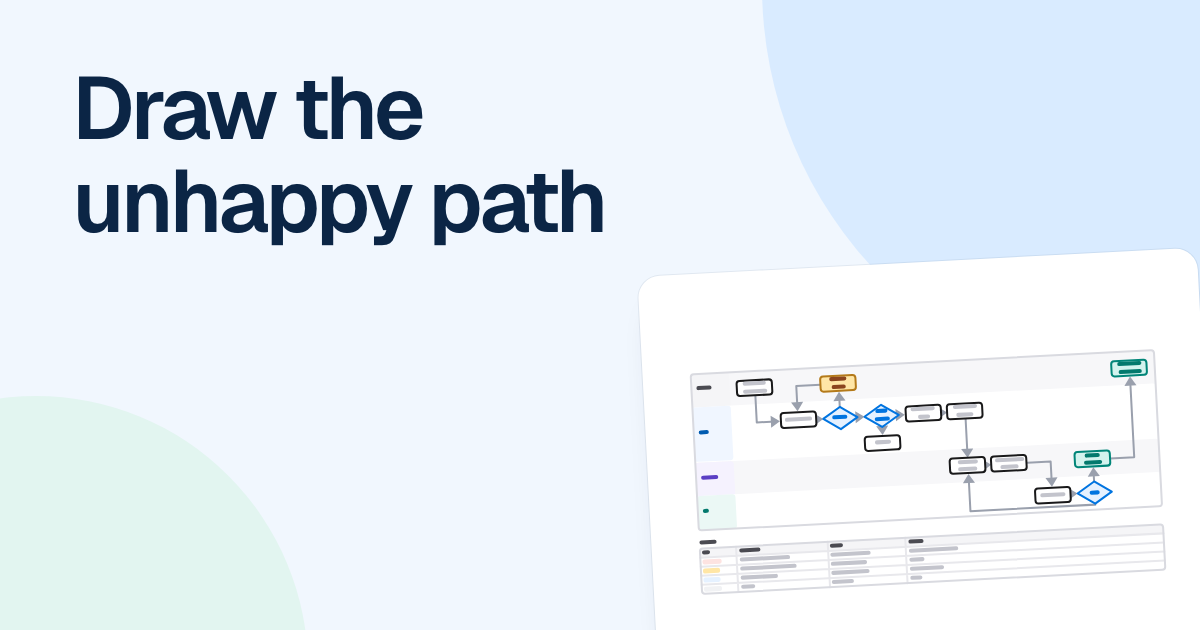
Now draw the flowchart. Each check becomes a decision, and every branch gets an end: a retry with a limit, a handoff to a named team, or a finished state. “3 attempts, then hand off to support” is a decision. “Retry” on its own is a loop with no exit.
Only then add the happy path. It takes minutes, because every step it touches has already been argued about. Run it in a straight line through the middle of the board, with failures dropping below, so a reader can still see the normal case at a glance.
Bug triage has the same shape
“A bug comes in, gets fixed and ships” is not a process. FlowDraw’s “Bug triage workflow” template is worth a look here, because the boxes that make it useful sit off the straight line.
- If the bug cannot be reproduced, ask for details or a video, and close it after 7 days without a reply.
- If it was already reported, link to the first report and close it.
- If the fix fails on staging, it goes back to the developer.
Those three branches keep a triage queue moving. Somebody had to decide that seven days is the limit. When that rule is not drawn, each tester invents their own, and two identical bugs get two different treatments.
How to keep it readable
Drawing failures does not mean drawing every error. Group them by what happens next, not by cause. “Insufficient funds” and “expired card” take the same route, so they are one branch. Label that branch with what happened in plain words, not an error code, so support can read it too. For the wider question, see how much detail belongs in a flowchart.
When a failure crosses teams, swimlanes make the handoff visible, which is often where the delay sits. Failures that stay inside one team can stay on a plain flowchart.
If you draft with FlowDraw AI, remember that it works from what you tell it. Describe only the normal route and you should expect a drawing of the normal route, so name the failures in your request: “If the card is declined, allow 3 attempts, then hand off to support.”
Two cases where you can skip this
If nobody in the room knows the process yet, you need the normal route first, so that there is something to fail. Write it as five lines of text, not a drawing, and then start on the failures.
The other case is a process where failure costs little. A meeting room booking does not need every exception mapped, because a person can sort out a clash in a minute. Ask what one failure would cost in money, customer trust or hours of someone’s time. If the honest answer is a shrug, a happy path and a note will do.
FAQ
An unhappy path is any route through a process where something goes wrong or differs from what was expected, such as a declined card, a timeout or a duplicate request. The happy path is the route where everything works the first time.