Why remote teams should draw before they meet
Why remote teams should draw before they meet: share a rough drawing and one question ahead, then use the meeting for decisions rather than discovery.
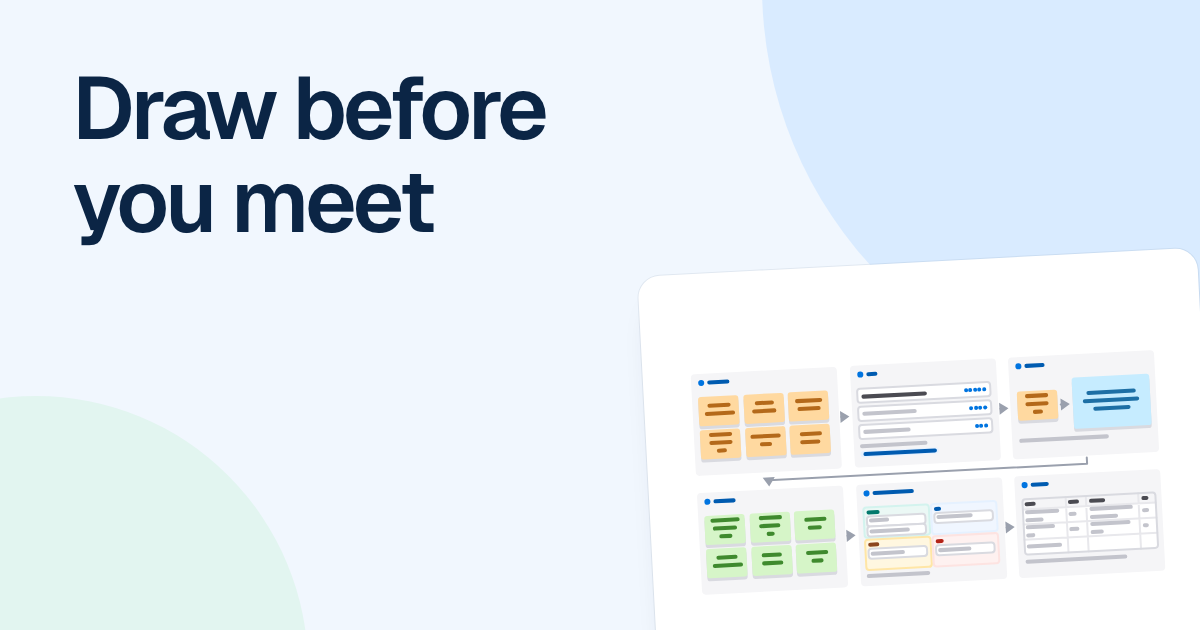
Much of a remote meeting goes to building a shared picture out loud, one speaker at a time, while each person forms a slightly different one. Draw it first, and the call can spend its time on what only a call can do.
Quick AnswerRemote teams should draw before they meet so the call starts from a shared picture, not from building one out loud. One person sketches the current understanding and sends it a day ahead with one specific question. People comment first, and the meeting decides only what the comments could not settle.
Why remote teams should draw first
On a call, one person talks and everyone else waits. A drawing can be read by six people at once, each at their own speed and, on a remote team, in their own morning. Say Lisa reads it in London and Chris in Singapore: neither has to stay up for the other.
A drawing also makes its author commit. “Support hands it to billing” sounds clear until you have to place the arrow and decide whether the customer gets told before or after.
And a wrong drawing is useful. People find it far easier to correct a picture than to describe the right answer from nothing, so a rough sketch with two mistakes gets better replies than an agenda item that says “discuss refunds”. Say up front that it is probably wrong somewhere.
All of this moves the meeting from discovery to decision. Without a drawing, the call has to find out what is happening. With one, the disagreements are already visible when people join, and the call can settle what to do about them.
How it plays out: moving release day
For illustration, say Alex wants to move the release from Thursday to Tuesday. The usual way is a six-person call that spends its first stretch on who does what on release day.
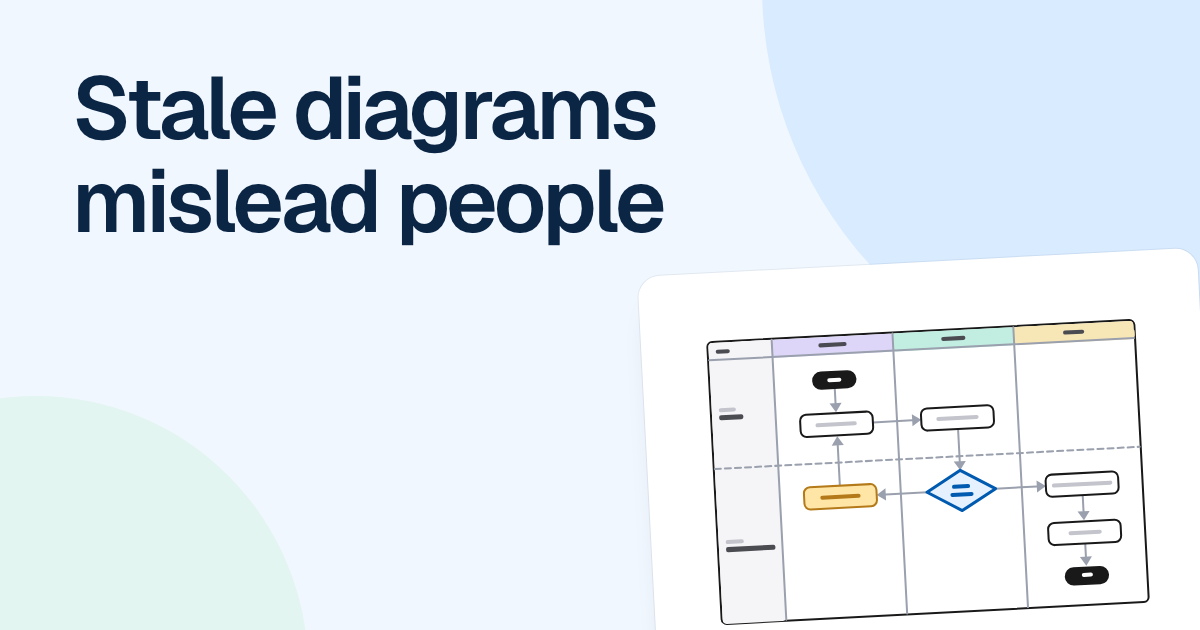
Alex spends half an hour on a rough swimlane instead, with lanes for engineering, QA and support, and shares the board with “Can comment” a day ahead. The message is short:
This is how I think release day works, and it is probably wrong somewhere. One question: if we move to Tuesday, who signs off when the QA lead is out?
By the next morning there are three comments, each pinned to the step it is about. Mark fixes the order of two QA steps. Lisa says she can sign off on Tuesdays. Chris points out that the help article has to go out a day before the release, which nobody had drawn.
That last comment is the only open question left, so the call takes fifteen minutes. They decide, Alex changes the board while they talk, and six people get most of an hour back.
What to send ahead
Send three things: a rough drawing, one specific question and a deadline for comments. Allow at least one full working day in every time zone on the team.
Keep the drawing rough on purpose. A polished board looks decided, and people stop pushing back. Half an hour is plenty, and if you already have notes, FlowDraw AI can turn them into a first draft for you to correct.
The question does the most work. “Any thoughts?” invites polite silence, and one drawing should carry one question anyway.
| Vague | Specific |
|---|---|
| Thoughts on the refund flow? | Should refunds over $500 reach finance before or after support approves them? |
| Please review the architecture | Can we retire the old queue once the worker has moved? |
| Anything missing from onboarding? | Which of these steps do new customers most often get stuck on? |
Pin the question to the shape it is about, and mention the people you need. In FlowDraw, a comment stays anchored to its shape, and “Can comment” lets people reply without being able to edit the board. We cover the review itself in async diagram reviews.
How to run the meeting differently
Do not walk through the drawing
People who read it do not need the tour. If some did not, give everyone five quiet minutes to read, and do not read it aloud to them.
Close what the comments settled
Say each decision out loud, then resolve the thread.
Spend the time on open threads, hardest first
If time runs out, the easier ones can finish in comments.
Change the board as you talk
One person edits while the others watch it change live. Keep the call on your usual video tool, with the board open beside it.
Write down who does what before you hang up
Put each decision on the board with a name and a date, so nobody has to write it up afterward.
If the comments settle everything, cancel the meeting and tell people why. It gives them a reason to read the next drawing carefully.
Where this goes wrong
The real cost is anchoring. People tend to comment inside the frame the first drawing sets, so if the question is still wide open, such as why customers are leaving, one person’s picture will narrow it too early. In that case, ask everyone to write their own notes separately first. The “Lightning decision jam” template is one way to structure that, with people writing alone before anyone picks. FlowDraw has no timer or voting, so bring a clock and have people mark their choices by hand.
Some meetings are not about a picture at all. Hard feedback, a conflict between two people or getting to know a new colleague should not begin with a board.