Templates are a starting point, not an answer
Templates are a starting point, not an answer. Learn what to delete, what to relabel and how to reuse a board of your own when a template has done its job.
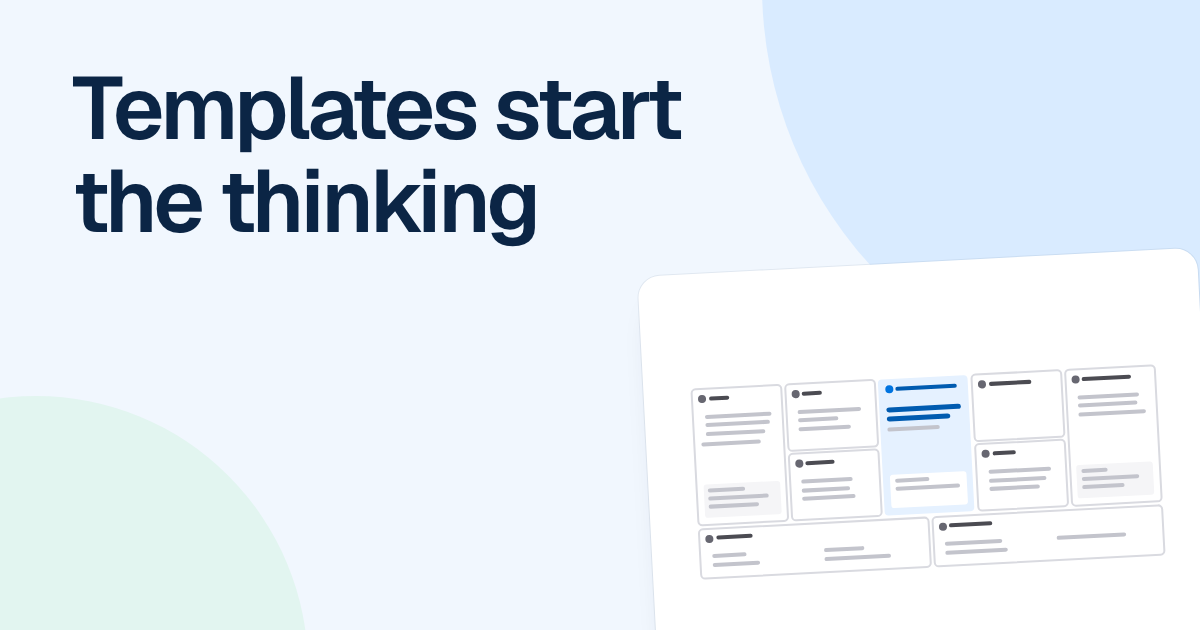
A filled-in template looks like finished thinking. Nine tidy boxes, all full, and nobody can remember deciding any of it.
Quick AnswerA template is a starting point because it gives you good questions, not your answers. Read it as a list of questions, delete what does not apply, change the labels to your own words and make sure you can say why each part is there. If you cannot, cut that part.
What a template is good for, and where it goes wrong
A template does three useful things. It gets you past the blank page, it shows you the shape of a method you have not used before, and it asks questions you would otherwise skip. FlowDraw’s “Lean canvas” asks about your unfair advantage, then adds “Many teams leave this empty at first”, which helps more than a blank box would.
What it cannot do is know your situation. A canvas has never met your customers, and an incident process has no idea how many engineers you have. Three things tend to go wrong as a result.
Example text survives. Many templates come filled in, because a worked example teaches a method faster than empty boxes. FlowDraw’s “Lean canvas” describes Shiftly, a sample shift scheduling product, and includes the line “Heard in 18 of 22 owner interviews”. Left on your board by accident, that line reads like evidence for your product. Clear every example line before you share the board.
Every box gets filled. An empty box feels like unfinished homework, so people write something. That is how a SWOT analysis ends up with four threats nobody believes and no next move.
The labels stay foreign. Everyone nods at “customer segments” and means something different by it. The board looks agreed, and the disagreement shows up in week three.
Four things to do with any template
Read it as a list of questions
Go through each box and say the question it asks. “Channels” means “how will the first hundred people hear about this?” A box whose question does not matter yet is your first candidate to cut.
Delete what does not apply
A template is drawn for a general case, so remove the lanes, roles and blocks you do not have. An internal tool has no revenue streams, and that block should go instead of holding a made-up answer.
Change the labels to your own words
Use the names your team uses for its roles, tools and stages. People correct a label they recognize when it is wrong. They skip past one they have never used.
Say why each part is there
Point at any box and explain what would go wrong without it. If you cannot, find out the reason or cut the box, so that nobody has to defend the board with “the template had it”.
Cutting an incident template down for five people
Say Alex leads five engineers and opens FlowDraw’s “Incident response” template. It has lanes for monitoring, the on-call engineer, an incident lead and a comms lead, and its list of roles adds a scribe. That suits a larger company. Alex has five people and a weekly on-call rotation, so the board changes like this.
| In the template | Alex’s version | Why |
|---|---|---|
| Separate on-call engineer and incident lead | One role, the person on call | At two in the morning they are the same person |
| Scribe | Deleted | Too few people for it to be a job, and the chat keeps the timeline |
| Comms lead | Kept, given to whoever is second on the rotation | Customers still need telling while the on-call person is busy |
| “Alert fires: 5xx errors over 5%” | The alert the team really has | A threshold nobody has set is fiction |
| “Postmortem within 5 days, no blame” | Kept | Alex can say why: without a deadline it does not happen |
The result has fewer boxes and looks less complete than the template. Everything left on it is something the team has agreed to do.
When to skip the template or build your own
If you already know what you need to draw, draw it. Your own refund process does not need a template, because you know the steps. Templates help most the first time you try a method.
Also skip any template that forces your problem into its shape. Choosing between two vendors calls for a “Decision matrix”, not a SWOT. Start from the question the diagram has to answer, then look for a shape that fits it.
FlowDraw has 233 templates in nine categories, and no way to save one of your own. So when a board works, keep it, clear out the specifics, name it something like “Incident review, starter”, and use “Duplicate” next time. On Free, each copy counts toward the limit of 3 boards per workspace.
A duplicate does not stay linked to its source, so improving the starter will not change earlier copies. We think that is fine, since old boards are a record of what happened. Given the choice, we would take a team’s last good board over any template, ours included, because it already has your words, your roles and your decisions in it.
FAQ
No. FlowDraw has no way to save a board as a template. Keep a board that worked and use Duplicate from the board menu or the board card when you need a fresh copy. On Free, a copy counts toward the limit of 3 boards per workspace.