A new editor and dashboard: FlowDraw update, 25 Oct 2026
FlowDraw update for 25 October 2026: a new dashboard, board editor, live co-editing, comments, version history and AI tools are built for the rebuild.
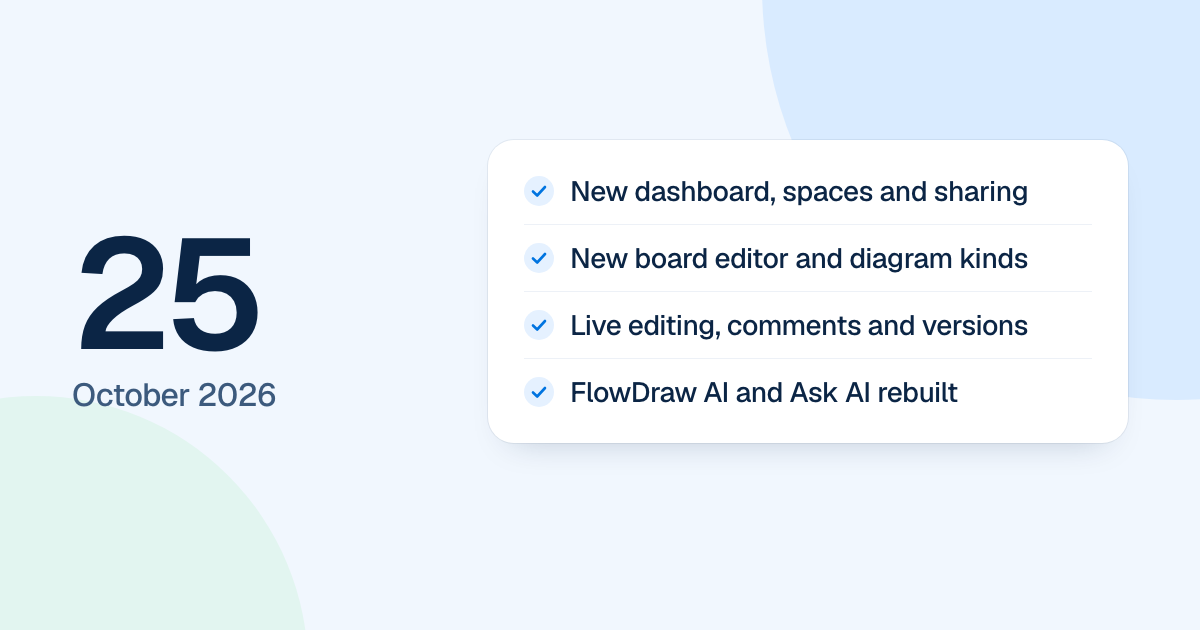
The core of the new FlowDraw landed on 25 October 2026: sign-in, the dashboard and the board editor, along with comments, version history and AI. Nobody could use it yet. The rebuild ran apart from the live product and reached people on 4 November 2026.
Quick AnswerThe 25 October update built the core of the new FlowDraw: sign-in and onboarding, a dashboard with spaces and sharing, a new board editor, live co-editing, comments, version history, FlowDraw AI and Ask AI. It stayed out of public view until the rebuild replaced the first version on 4 November 2026.
A new dashboard and sign-in
The app now had “Home”, “My boards” with folders, “Shared with me”, “Starred”, “Trash”, “Templates” and a command palette. Spaces came with members, admins, descriptions and an archived state. A share dialog covered members, invites, links and embeds, and every settings page was in place.
Sign-in covered log in, sign up, Google, and password reset by emailed code. Five wrong passwords or codes lock an address for 15 minutes. New accounts went through three onboarding steps.
A new board editor
Boards drew on a new canvas with pan, zoom, selection, drag, resize and connector routing. Around it sat two top islands, a dock with a + menu, side panels, a shape library, a templates tool and “Present” mode. Export wrote SVG and JSON in the browser, and PNG and PDF on the server. A read-only embed opened for anyone with a valid link.
Mind maps, org charts, Kanban, ER tables, UML classes, swimlanes and BPMN pools each got their own data and panel, with automatic layout where it helps.
Working together, with AI
- Cursors, selection rings and faces show who is on a board.
- Comments have pins, mentions, attachments, resolve and read state.
- Version history previews earlier versions and restores a whole board. The board from before a restore is saved as its own version, so one click undoes it.
- The notification bell updates live.
- FlowDraw AI and Ask AI both arrived, and an Ask AI change is one undoable step.
Many of these screens changed again before release. The updates that follow say how.