AI in the sidebar and referrals: FlowDraw update, 27 Jul 2026
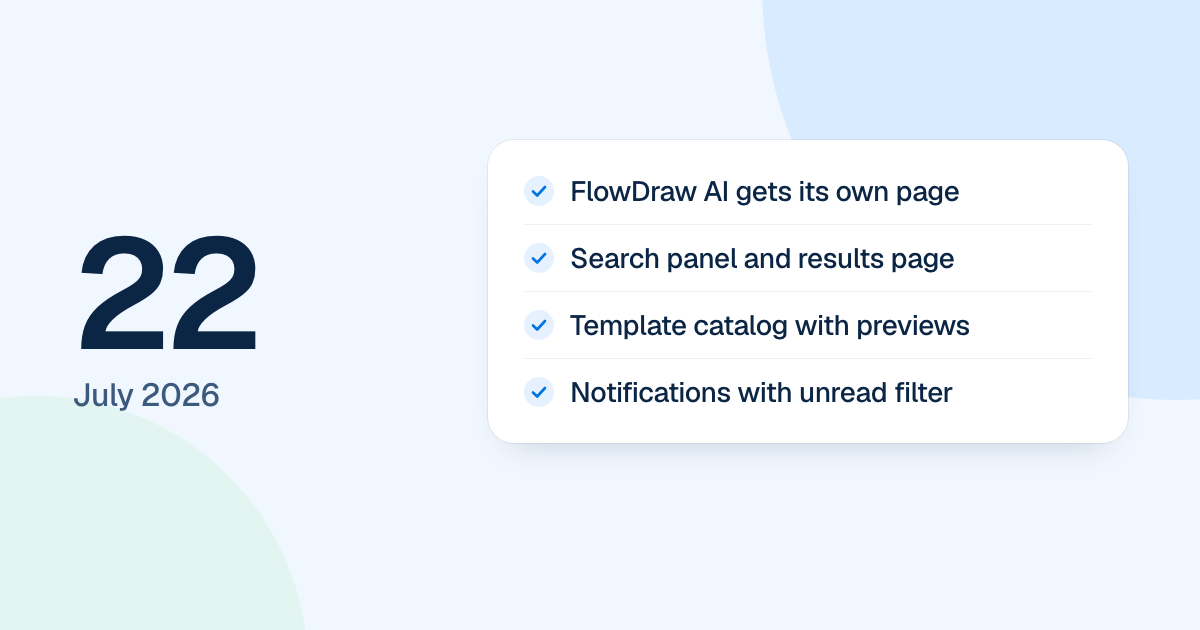
FlowDraw update for 27 July 2026: FlowDraw AI continues in the editor sidebar with progress and retry, and a referral program with 30% commission arrives.
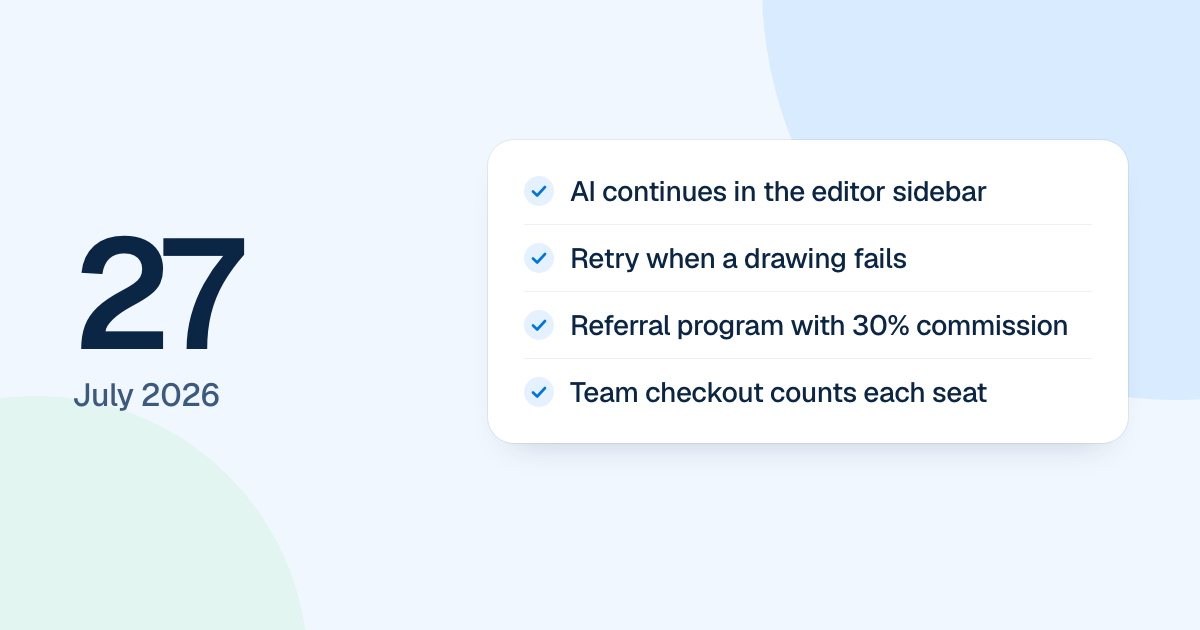
A request to FlowDraw AI used to keep you waiting on the dashboard. From 27 July 2026 the document opened straight away and the drawing continued in the editor’s sidebar. This was work on the first version of FlowDraw, later rebuilt.
Quick AnswerIn the 27 July update, FlowDraw AI began creating the document at once and continuing in the editor’s right sidebar, with progress and retry. A referral program arrived with a 30% recurring commission, Team checkout began counting every seat, and two faults in the AI handoff were fixed.
A referral program
An affiliate program backed by real billing replaced a placeholder. Each paid subscription invoice from someone you referred earned a 30% recurring commission, held for 30 days. You could ask for a payout from $50 once a bank account was on file, and bank details were stored encrypted. Today’s affiliate program uses the same rates.
Team checkout and arrow spacing
Team prices now multiplied by the number of members in quotes, prorations and new subscriptions. Plan cards showed the monthly price per member, and the order summary showed the full charge. Today’s prices are on the pricing page.
In the editor, the arrow for adding a connected shape went back to sitting 4 px from the selection, and a quick-added “Rectangle” kept its usual size.