One app and new plan prices: FlowDraw update, 15 Aug 2026
FlowDraw update for 15 August 2026: site and product become one application, Pro and Team get new prices, and many small fixes land in the first version.
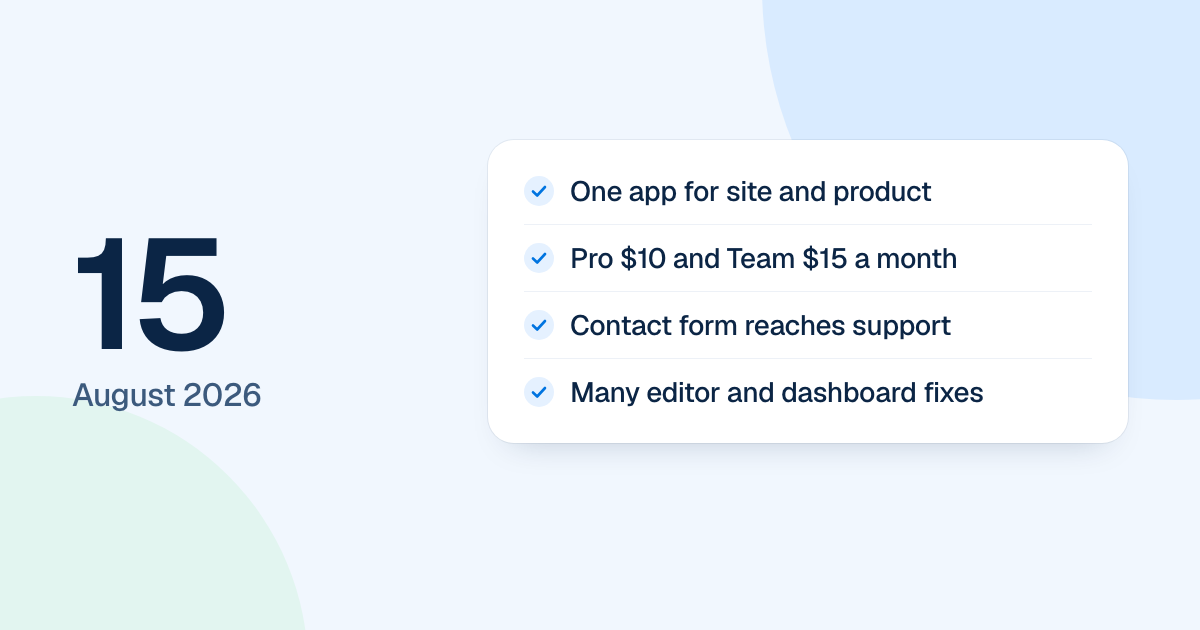
One large change landed on 15 August 2026: the public site and the product moved into a single application. It gathered about two weeks of work on the first version of FlowDraw, so it also carries new prices and a long list of fixes.
Quick AnswerThe 15 August update moved the public site and the product into one application, set Pro at $10 and Team at $15 a month, connected the contact form to a support inbox and brought many editor and dashboard fixes. All of this was in the first version of FlowDraw, which a rebuild later replaced.
One app for the site and the product
The marketing site and the app had been separate front ends. They now came from one web application with one address, first on the test site. The live site had not switched over on this day.
A few changes you could see:
- Sign-in forms showed at once, while the session check ran behind them.
- The sign-up page’s Terms and Privacy links stayed inside the app.
- The contact form saved your message and sent it to a support inbox, with your address set for replies.
- Ten full guides replaced the blog’s placeholder list.
New plan prices
Pro moved to $10 a month or $96 a year. Team moved to $15 a month or $144 a year, per member. Billed yearly, that works out at $8 and $12 a month, a 20% discount. These are still the prices on the pricing page.
Editor and dashboard fixes
In the editor:
- Hovering a shape showed four plus controls for quick connect, and a selected shape had eight resize handles.
- New lines were rounded by default, the line style menu offered “Straight”, “Rounded” and “Curved”, and the connector library beta was removed.
- Documents opened at 100% instead of fitting the window.
- Undo no longer lit up on a fresh template you had not touched.
On the dashboard:
- One Move dialog, with search, breadcrumbs and new folders, replaced the separate ones.
- My Documents renamed in place instead of opening a browser prompt.
- Restoring from Trash and moving a folder to Trash confirmed with a short message again.
The rebuild has since changed some of this. A board now opens fitted to the window, at up to 100%, and the line menu offers “Elbow”, “Straight” and “Curved”.