AI credits and a new sidebar: FlowDraw update, 2 Nov 2026
FlowDraw update for 2 November 2026: plan limits and AI credits take shape, Team workspaces share one bill, and the sidebar folds into a rail of icons.
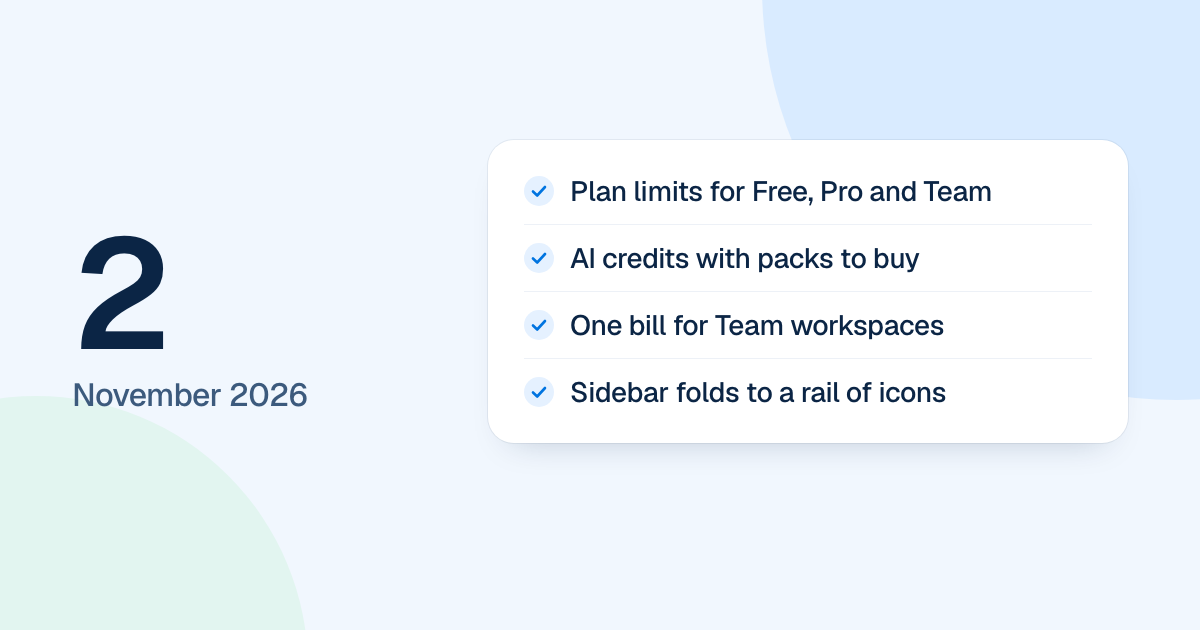
Plan limits and AI credits were set on 2 November 2026, and the sidebar learned to fold into a rail of icons. This was rebuild work, and people met it two days later, when the new FlowDraw went live on 4 November 2026.
Quick AnswerIn short, the 2 November update set the limits for Free, Pro and Team, moved AI to credits with packs to buy, put one person’s Team workspaces on one bill and folded the sidebar into a rail of icons. Settings now save from each card’s footer, and board cards gained right-click menus.
Plan limits and AI credits
| Plan | Limit | AI credits |
|---|---|---|
| Free | 3 boards in a workspace | 100, once |
| Pro | One editor, while commenting and viewing stay free | 500 a month |
| Team | At least two seats at checkout | 1,000 per seat a month |
You can own one workspace across Free and Pro. Team workspaces and ones you joined don’t count.
Each FlowDraw AI or Ask AI job has a fixed price: a new diagram or a change costs 10 credits, an answer 5, and a file 5 more for every 10 pages. A job that fails or is stopped costs nothing. Packs of 500 for $5, 1,500 for $12 and 4,000 for $30 never expire and are spent after the plan’s own credits. Plan prices are on the pricing page.
The credit count stays out of the prompt box until you are under 10%. At zero the box pauses and offers “Upgrade” or “Buy credits”.
One bill for Team workspaces
If you already pay for Team and upgrade a second workspace, it joins the same subscription instead of starting another. Its seats are added, and the rest of the period is charged at once. Workspaces on a bill share a card, renewal day and invoices, and keep their own seats and credits. Canceling moves that workspace to Free at the renewal, and the others stay.