Support tickets and What's new: FlowDraw update, 30 Oct 2026
FlowDraw update for 30 October 2026: support tickets and What's new move into the app, Ask AI draws the kind you ask for, and exports get sharper.
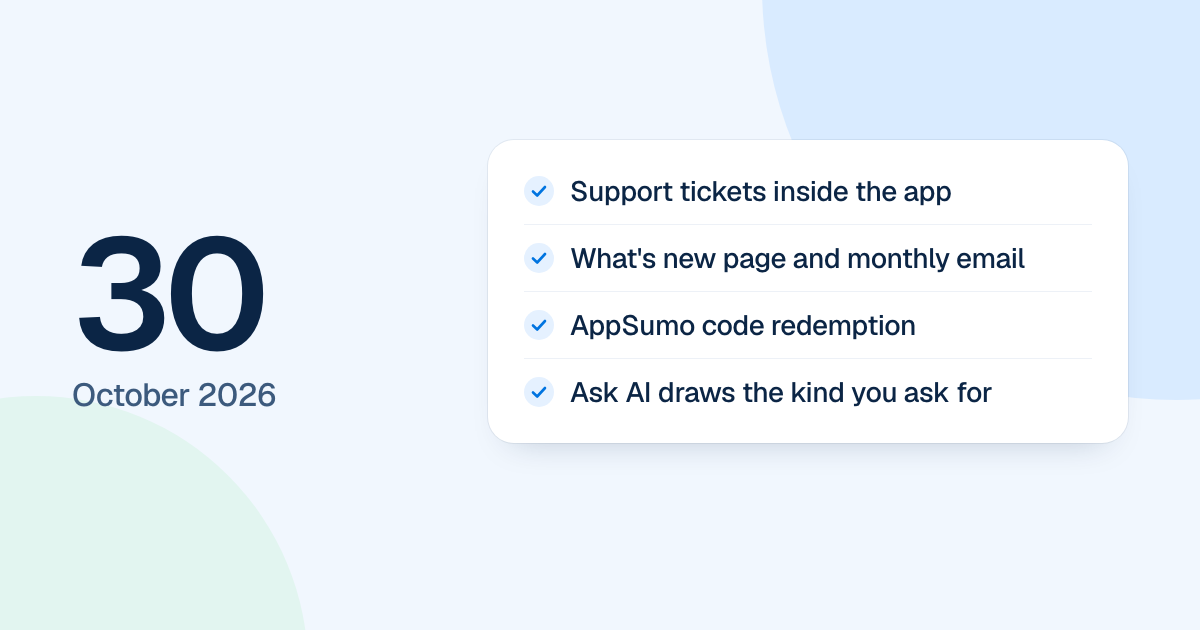
Help moved inside FlowDraw on 30 October 2026: tickets, replies and a What’s new page now live in the app. Ask AI also lost its “Diagram” picker. This was work on the rebuild, which went live on 4 November 2026.
Quick AnswerThe 30 October update added Help and support with tickets inside the app and a What’s new page with an optional monthly email. Ask AI now draws the kind you ask for, AppSumo codes can be redeemed, PNG exports are sharper, and every PDF sits on white.
Support tickets and What’s new
The ”?” in the header and the account menu open Support inside the app:
- Your tickets sit under “Open” and “Closed” tabs.
- A “New ticket” dialog takes screenshots, PDFs and text, by drag and drop or paste.
- A ticket’s page holds replies, files, a banner when something is fixed, a rating and a way to reopen.
- The bell shows replies, and emails cover a received ticket, a reply, a reminder, a resolved ticket and a fix.
Without an account, the contact form is still the way in.
“What’s new” lists posts with tag filters, marks the new ones and keeps a dot on the account menu. Turn on product emails and a monthly summary arrives on the 1st.
Ask AI draws the kind you ask for
Name a kind it draws, such as a flowchart or swimlane, or describe what you need in any language, and Ask AI picks the kind. A Pro kind on Free opens the Pro dialog. A plan, an itinerary or a list of ideas is drawn rather than answered in text, and a schedule comes out as a table with one timed item per line.
Each kind now takes its template’s look: BPMN, org charts, ER, UML and mind maps use their templates’ shapes, colors and lines. FlowDraw AI keeps its “Diagram” menu and adds “UML class” and “BPMN” on Pro. Table cells wrap their text instead of cutting a line short.
AppSumo codes, exports and themes
- AppSumo buyers redeem a code at
/redeem, sign up or log in, pick a workspace and finish. Codes stack on a workspace up to Tier 5. - A 1x PNG now has two pixels per board pixel, so it stays sharp on high-density screens, and the “Export” dialog shows the real size.
- Every PDF is on white, so “Background” is hidden for PDF.
- Picking a theme with one step selected recolors its whole chart, and lines keep their look.
- Settings loses its “New members” section, and the invite dialog starts at “Member”.