233 templates and more shapes: FlowDraw update, 31 Oct 2026
FlowDraw update for 31 October 2026: 233 templates in nine categories, fuller UML, BPMN and ER libraries, architecture icons and tidier AI flowchart lines.
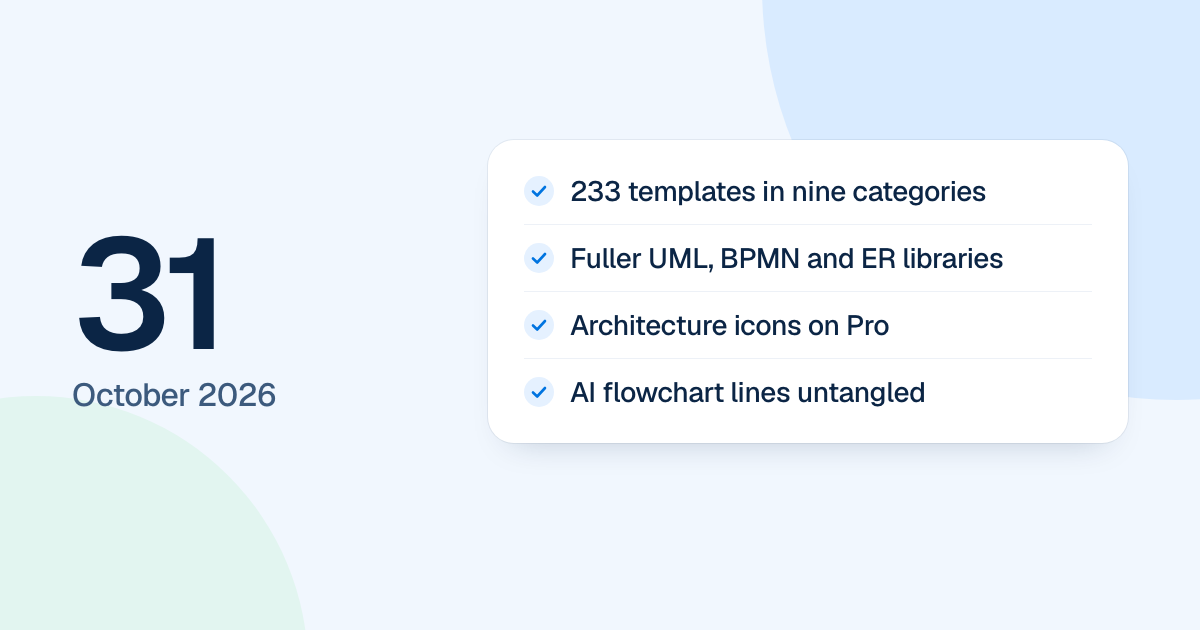
The template library grew to 233 on 31 October 2026, and the Pro shape libraries filled out their notations. Like the rest of that week’s work, it came to people with the new FlowDraw on 4 November 2026.
Quick AnswerThis 31 October update brought 233 templates in nine categories into FlowDraw, expanded the UML, BPMN and ER libraries, and added a value stream map library and architecture icons on Pro. AI flowcharts got untangled lines, and moving between pages now keeps the app’s frame in place.
233 templates in nine categories
The categories are General, Brainstorming, Software development, Product design, Meetings, Strategy and planning, Project management, Research and analysis, and Education. The Templates page and the editor’s templates tool both filter by them, and 13 templates are marked Pro.
A template comes over whole: tables keep their chips, shading and check marks, and icons stay. 24 Free templates hold more than 150 elements, the Free limit for a board. A board made from one opens with everything on it, and adding more opens “Upgrade to Pro”.
More shapes and architecture icons
UML now has 105 cells, BPMN 99 and ER 20, covering things like every BPMN event trigger, UML lifeline heads and ER partial keys. A new value stream map library joins them on Pro, with icon libraries for AWS, Google Cloud, Azure and Cisco and a VMware set drawn by FlowDraw. Exports wait for the icons to load.
Themes now reach library shapes only, so sticky notes and free text keep their look.
Tidier flowcharts and steadier pages
AI flowcharts got a last pass that moves lines that cross, overlap or share a corner. On ten saved charts, crossings fell from 13 to 5, and shared points, overlaps and labels on boxes from 10 to none. Layout also avoids a large empty corner or one very long row. A plan drawn as a mind map or flowchart keeps its times and notes.
Moving between app pages now changes only the content, and a page you have seen draws its last answer at once.
On a Team plan, every member and pending invite holds a seat, and the invite dialog takes payment for extra seats before it sends. The bell’s red dot clears as soon as everything is read.