New shapes and connectors: FlowDraw update, 20 Jul 2026
FlowDraw update for 20 July 2026: basic and flowchart shapes are redrawn, UX flow and annotation shapes arrive, and a connector library ships in beta.
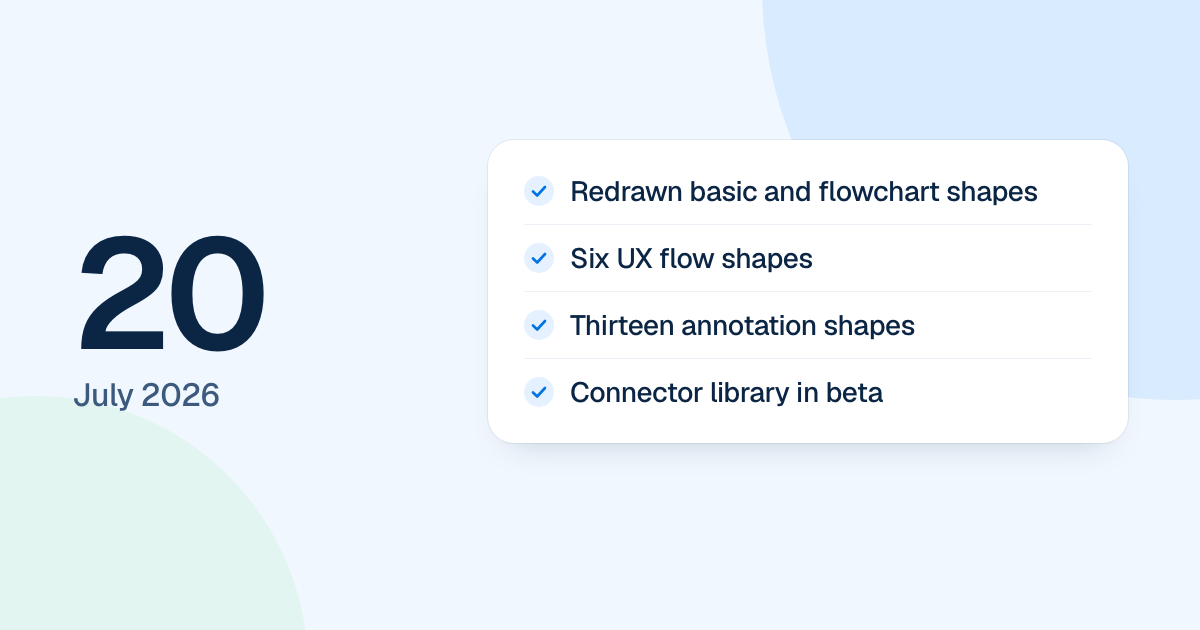
The shape library of the first version of FlowDraw was redrawn on 20 July 2026, and a connector library went in as a beta. A rebuild has since replaced that version, and the library today is arranged differently.
Quick AnswerThe 20 July update redrew the basic and flowchart shapes, added six UX flow shapes and thirteen annotation shapes, and put thirteen connector presets in the All Shape panel as a beta. Hover and selection controls changed too, and lines began landing on the visible outline of each shape.
New and redrawn shapes
- Basic shapes: the 12 tiles took a new order and size, with a corrected hexagon.
- Flowchart: 13 shapes were redrawn. Saved documents kept loading because each shape kept its identity.
- UX flow: Page or Screen, Content List, Action, Conditional Section, Modal and External Link.
- Annotation: four directional comments, four directional callouts, Note, Label, Highlight Box, Initial Label and Tooltip.
Lines now connected at the drawn outline of a shape, including slanted edges such as those of the hexagon, rather than inside it.
A connector library in beta
Thirteen connector presets joined “All Shape”, ready to click or drag in, with their own filter and search. Each end could be “Outline”, “Fill” or “None”. The “Multi” and “Collective” connectors branch, so their segments were grouped to select, move, delete and copy together.
That beta did not last. The connector section was removed in the work that landed on 15 August, leaving ordinary lines.
Clearer controls on a shape
A selected shape now showed a blue outline, four corner handles and four side points. A hovered shape showed a lighter outline with side points, and hovering a side point turned it into a blue directional control for adding a connected shape.
Today the free libraries are “Flowchart”, “Basic shapes” and “Org chart”, and the others are Pro libraries, so these sets are not all there in this form.