

Comments and a text tool: FlowDraw update, 28 Apr 2026
FlowDraw update for 28 April 2026: comments pinned to the canvas and a text tool arrive in an early build of the first version.
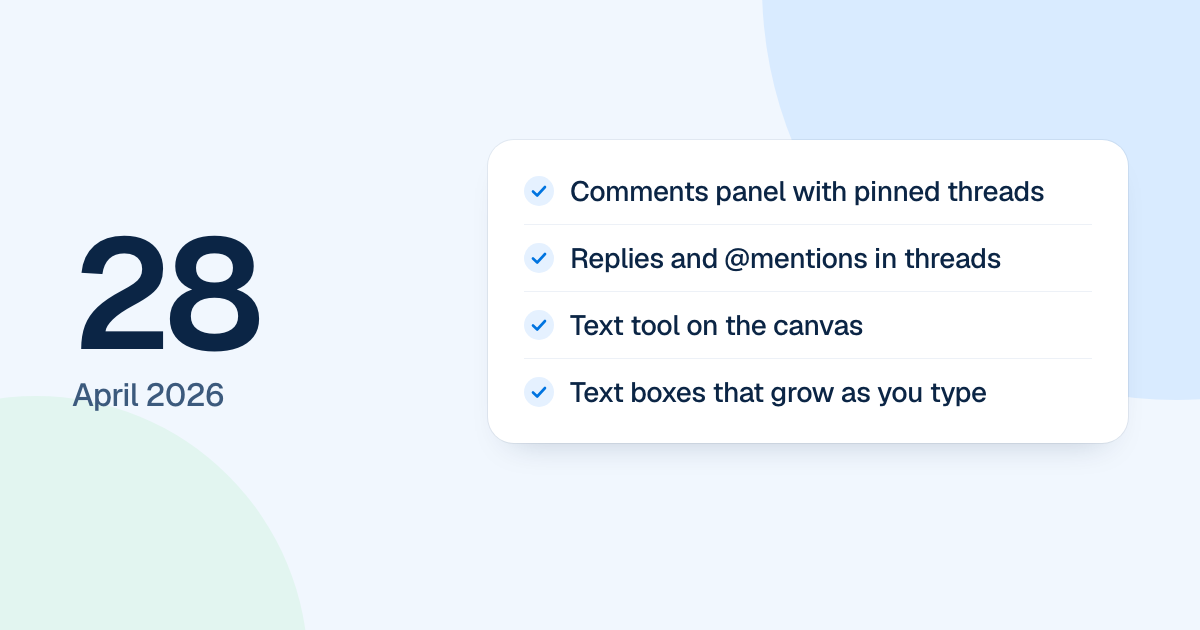
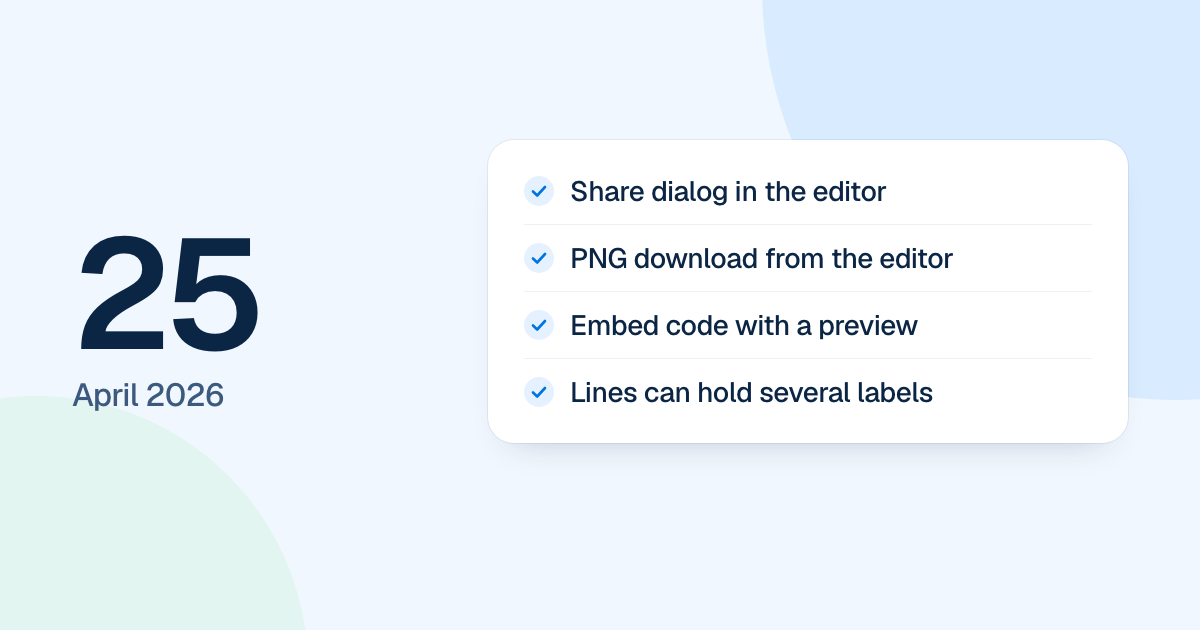
Two editor features landed on 28 April 2026: comments pinned to the canvas, and a text tool. Both were early builds in the first version of FlowDraw, three days after Share and Download arrived.
Quick AnswerWhat changed on 28 April: a comments panel with pinned threads, replies and @mentions, and a text tool that places text where you click. Both were early builds, and comments saved on the server came later.
A text tool that places text where you click
With the Text tool, a click on empty canvas adds a box reading “New Text”, and a click on a shape edits its label. A box left empty disappears when you stop editing. Text that stays keeps its width and grows taller as it needs to.
Clicking the same text twice opens it for editing, and one click elsewhere deselects it. The caret also became visible while editing, in a color that contrasts with the fill behind it.
A tighter interface
The interface moved to a tighter 90% density. Two dialogs were repaired along the way: “Upgrade to Pro” got its width back, and “Create with AI” now fills the window.




Comments pinned to the canvas
Pick the comment tool, click the canvas, and a pin drops with a box to write in. From there:
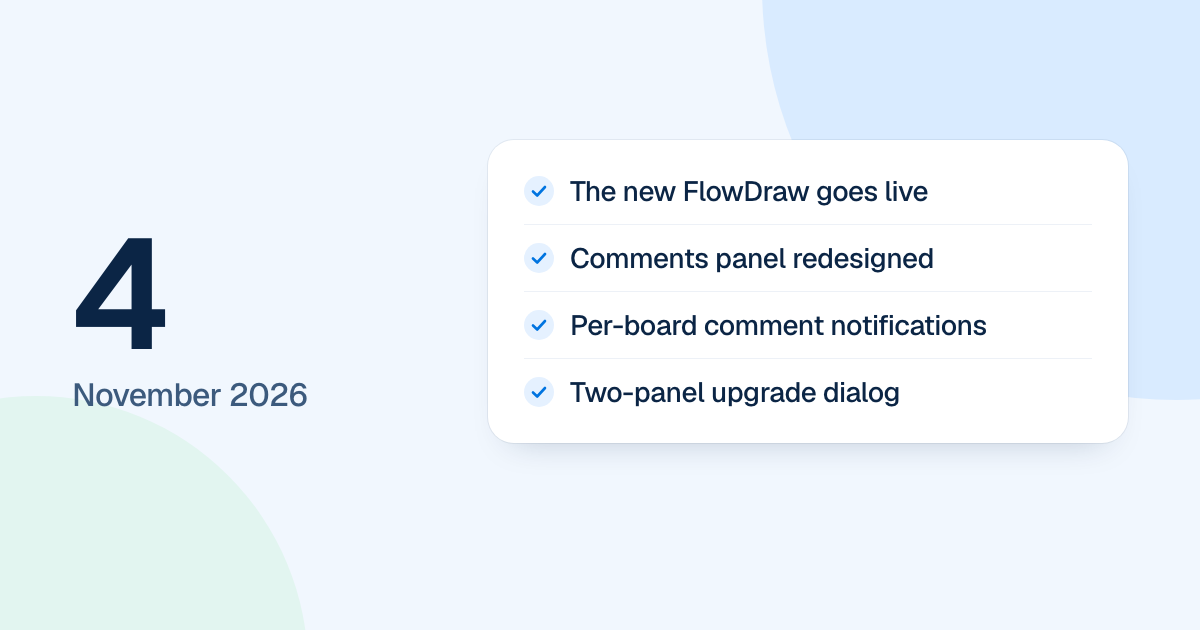
This was an early build. Comments saved on the server came later, and the panel FlowDraw has now was redesigned on 4 November.