Ask AI draws live on the board: FlowDraw update, 3 Nov 2026
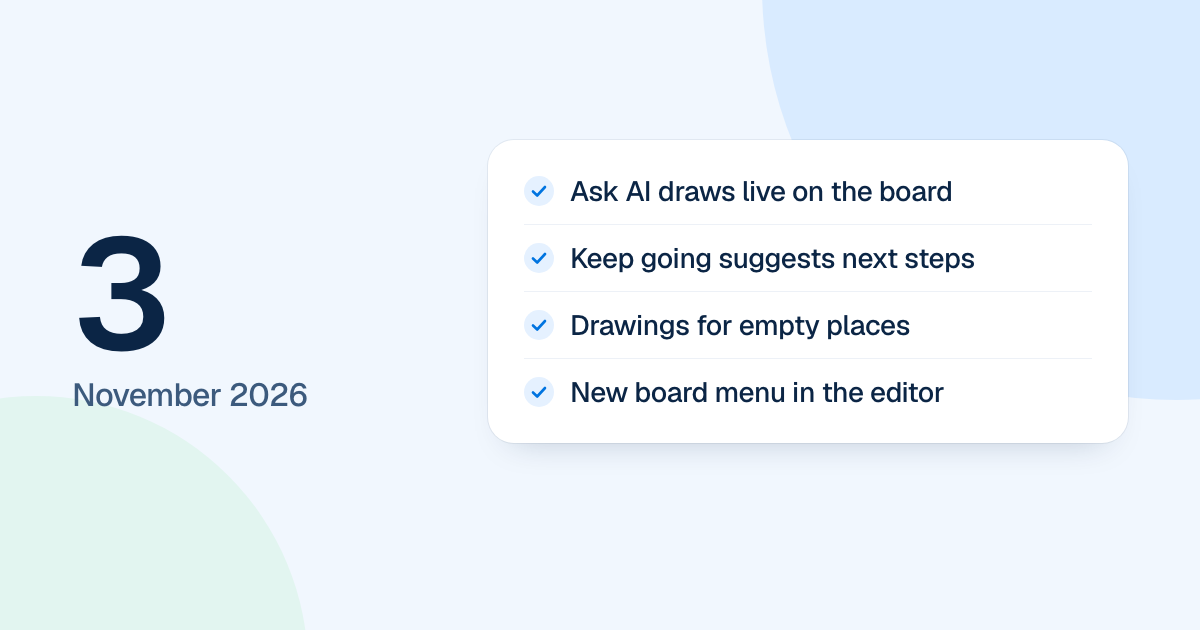
FlowDraw update for 3 November 2026: Ask AI draws live on the board with a visible cursor, empty places get drawings, and the board menu gains new actions.
Ask AI stopped showing drafts to accept on 3 November 2026. A FlowDraw AI cursor now draws on the board itself, where everyone on the board can watch. This was the day before the new FlowDraw went live.
Quick AnswerIn the 3 November update, Ask AI draws straight on the board with a visible cursor, puts each new drawing in its own frame and counts the whole change as one undo step. Empty places got their own drawings, the 404 and 500 pages were rebuilt, and the editor’s board menu gained new actions.
Ask AI draws live on the board
The draft preview and its Accept step are gone. When you ask for a change:
The cursor comes in
It glides in from the sidebar and drags open a clear area on the board.
It draws piece by piece
Each line follows the shapes it joins, at a pace you can follow. Everyone on the board sees the same cursor.
The panel keeps up
Steps fold when it is done, a result card brings the drawing into view, and one Undo takes back the whole change.
A new drawing gets a frame named after it, and a selected frame takes the change and grows to hold it. The latest answer ends with a “Keep going” card of three next steps. To start a new board from a prompt, FlowDraw AI has its own page.
Drawings for empty places
Empty lists, spaces, board access, support, “What’s new”, affiliate and invite states each got their own drawing. A list that fails to load offers “Try again” instead of a blank page.
The app and the marketing site now have separate 404 and 500 pages, and a server error no longer says “Page not found”. FlowDraw also has a new favicon set and sharing images.