New comments and upgrade dialog: FlowDraw update, 4 Nov 2026
FlowDraw update for 4 November 2026: the rebuilt FlowDraw goes live, comments are redesigned, and a two-panel upgrade dialog follows that evening.
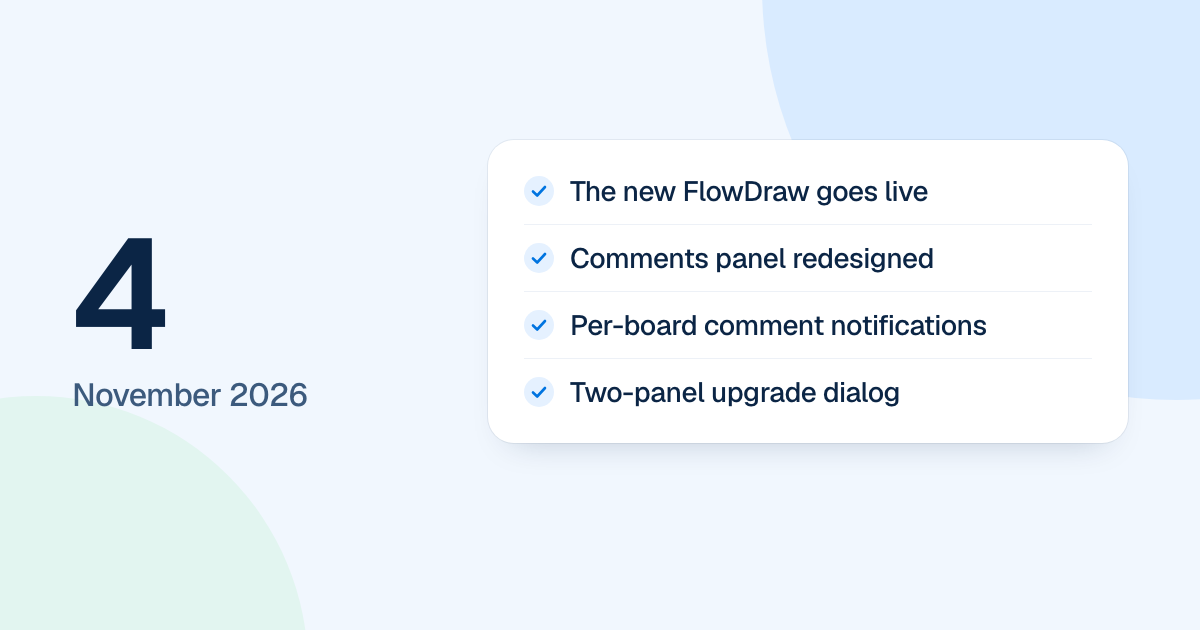
The new FlowDraw replaced the first version on the evening of 4 November 2026. Comments were redesigned the same day, and a new upgrade dialog was finished later that evening.
Quick AnswerThe 4 November update marks the day the rebuilt FlowDraw went live. Comments gained a panel of rows with search and sort, notification levels for each board and mark as unread. A two-panel upgrade dialog and a batch of small fixes came after the release and followed in later releases.
The new FlowDraw goes live
Everything in the updates dated 25 October to 3 November was built for this release. From that evening, flowdraw.com runs the rebuilt product instead of the first version.
New comments on the board
The “Comments” panel now lists threads as rows, with “Search comments” and “Sort and filter” in place of the “Open”, “Resolved” and “Mine” tabs.
- A thread opens beside its pin, and a new comment opens as a box beside its pin.
- Pins show the faces in a thread, up to three, and change color when a thread is unread.
- The comment box is one line until you use it, with @ and attach under the words.
- Thread menus offer “Mark as unread”, “Copy link” and “Delete thread”, and you can edit your own comments.
- For each board you choose what you hear about: “Everything”, “Just mentions and replies” or “Nothing”.
- “Mark all as read” clears a whole board.
Workspace invite emails are now always on, and someone who already has an account also gets a notification in the app that opens the invite.
The upgrade dialog and small fixes
These came after the release. The upgrade dialog went out the next morning, on 5 November. It is now one form for Pro and Team, with both plan cards on the left and payment on the right. Payment asks only for the card, and a small card shows the plan and total.
The Pro card also stopped listing SVG export, because SVG is on every plan, Free included. Smaller fixes from that night:
- “Hide comments” closes the panel and every pin until you open comments again, and the choice follows you to other devices.
- Comment emails open the thread they name.
- Ask AI refuses a file over the AI limit as soon as you add it.
- Joining from “Browse spaces” updates the sidebar straight away.
- Viewers no longer see “Duplicate” in a space’s board menu.
- A second Free workspace says where its AI credits went.
- The contact form says when it is rate limited.