Affiliate page and tidier lines: FlowDraw update, 29 Oct 2026
FlowDraw update for 29 October 2026: an affiliate program page, lines that keep out of shapes, frames that hold their contents and shorter sign-in links.
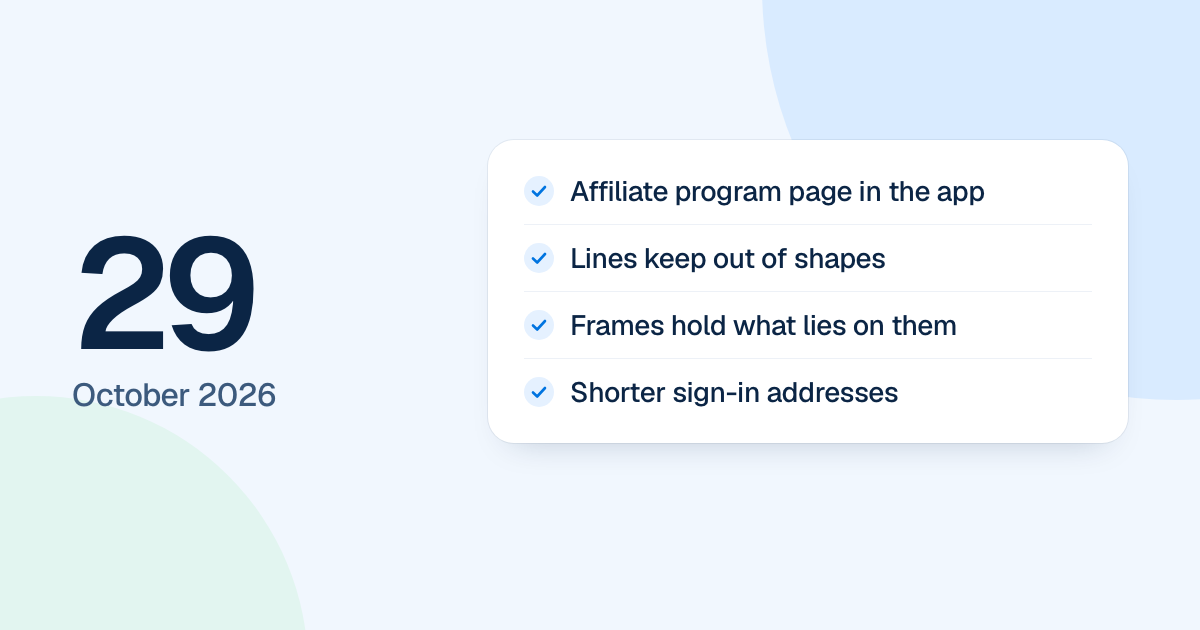
The affiliate program got its own page in the app on 29 October 2026, and lines in the editor stopped running through shapes. Both were rebuild work and became available when the new FlowDraw replaced the first version on 4 November 2026.
Quick AnswerOn 29 October this update gave FlowDraw an affiliate program page with bank details and payouts, kept lines out of shapes, made frames hold what lies on them, laid AI flowcharts out in rows and columns, and moved the sign-in pages to shorter addresses such as
/login.
The affiliate page in the app
“Affiliate program” in the account menu opens /app/affiliate, with your code and link, earnings, bank account, referrals and payouts. Dialogs cover how it works, bank details, payouts and link settings.
- Payout requests run from $50 up to your available balance.
- Bank details are stored encrypted.
- If you turn it on, the sign-up page shows “Invited by” with your name.
- Emails arrive when someone joins with your link, for each commission and when a payout is paid.
Referral links now open /signup, and the public affiliate page moved to a shorter address.
Tidier lines, frames and panels
Lines no longer cut through a shape standing close in front of them, and any drop, move or new shape reroutes the lines it crosses. ER relationship lines turn to the side facing the other table. BPMN elements settle in the lane their middle lands in, and lanes grow to fit.
A frame now takes in free shapes lying wholly inside it whenever it is drawn, resized or moved, and lets go of those whose middle leaves it. A board opens with its content fitted in the middle, at most 100%.
Labels on lines can have a background color, every properties panel has a close button, and “Text properties” offers 18 desktop fonts, each shown in its own face.
AI flowcharts and shorter sign-in links
FlowDraw AI and Ask AI now lay out new flowcharts in rows, with a decision’s outcomes side by side, long charts wrapped into columns and boxes sized to their labels. A board made by FlowDraw AI opens with that request in Ask AI.
The sign-in pages moved from /auth to /signup, /login and /forgot-password, and links already sent still redirect. Pressing Back from Google leaves those pages usable.
Settings pages gained help lines under each label, and “Members” and “Pending invites” became two sections. The marketing header now reads “AI”, “Blog”, “Pricing” and “Contact”, with menus that open on hover.