Twenty shape themes: FlowDraw update, 28 Oct 2026
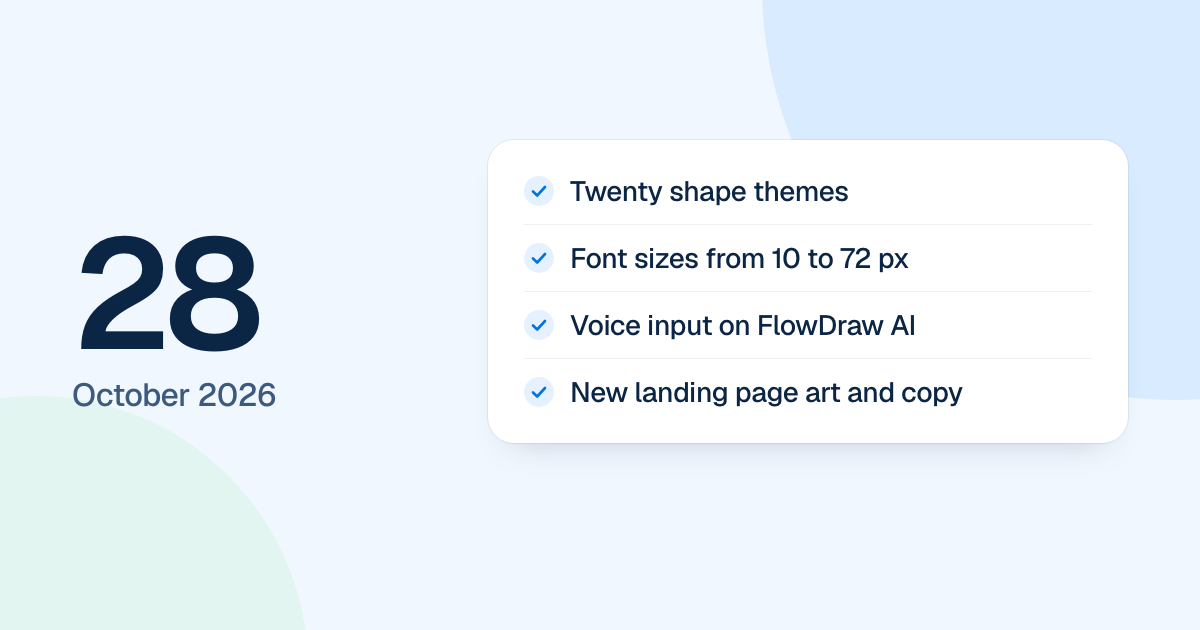
FlowDraw update for 28 October 2026: twenty shape themes, font sizes from 10 to 72 px, voice input on FlowDraw AI, clearer billing totals and new landing pages.
Shapes got a Theme tab on 28 October 2026, with twenty looks to choose from. The day also added a lot of small drawing controls. None of it was public until the new FlowDraw arrived on 4 November 2026.
Quick AnswerFlowDraw’s 28 October update added twenty shape themes, font sizes from 10 to 72 px, a color picker and a typed zoom field. FlowDraw AI gained voice input and colored diagrams, billing shows clearer totals, switching from yearly to monthly waits for the renewal, and the landing pages got new art and copy.
Twenty shape themes
The “Theme” tab of the shape library shows twenty looks in one grid, two to a row, from “Paper” and “Ocean” to “Blueprint” and “Sketch”. Each sets the fill, outline, text color and typeface, so a new theme never leaves the last one’s font behind. A pick reaches the selected shapes, or every shape when nothing is selected, as one undo step. “Classic” is free, and the other nineteen come with Pro.
More control while you draw
- “Text properties” and “Shape properties” pick a font size from a list, 10 to 72 px, that opens on the current size.
- The color popovers, such as “More fill colors”, have a brightness area, a hue slider and a hex field.
- The zoom menu takes a typed percentage, and ⇧1 and ⇧2 now zoom instead of typing over a selected element.
- With one element selected, typing opens its text with that character.
- The pen’s “Eraser” removes the strokes a drag passes over, as one undo step.
- Diagrams from the dock or the + menu follow the pointer as a preview and drop where you click.
- A blank board opens on the empty canvas, without a start card.
- ER entities, UML classes and pool titles follow the “Text” section.
- Images in comments open in a viewer.
FlowDraw AI, billing and the landing pages
FlowDraw AI lost the row of shortcuts under its prompt box. It takes dictation in browsers with speech recognition, colors the diagrams it draws, and lays out mind maps without overlaps.
The upgrade dialog’s Payment step shows the total for the plan, cycle and editors. Switching from yearly to monthly waits for the renewal, with a “Keep yearly” button to drop the change. A paid upgrade turns Pro on without a reload.
Home and the AI pages got new colors, art and copy, and the header lost its Product menu.