Faster boards and phone layouts: FlowDraw update, 26 Oct 2026
FlowDraw update for 26 October 2026: boards open faster, the app fits phones and tablets, and shapes connect through points on their outline.
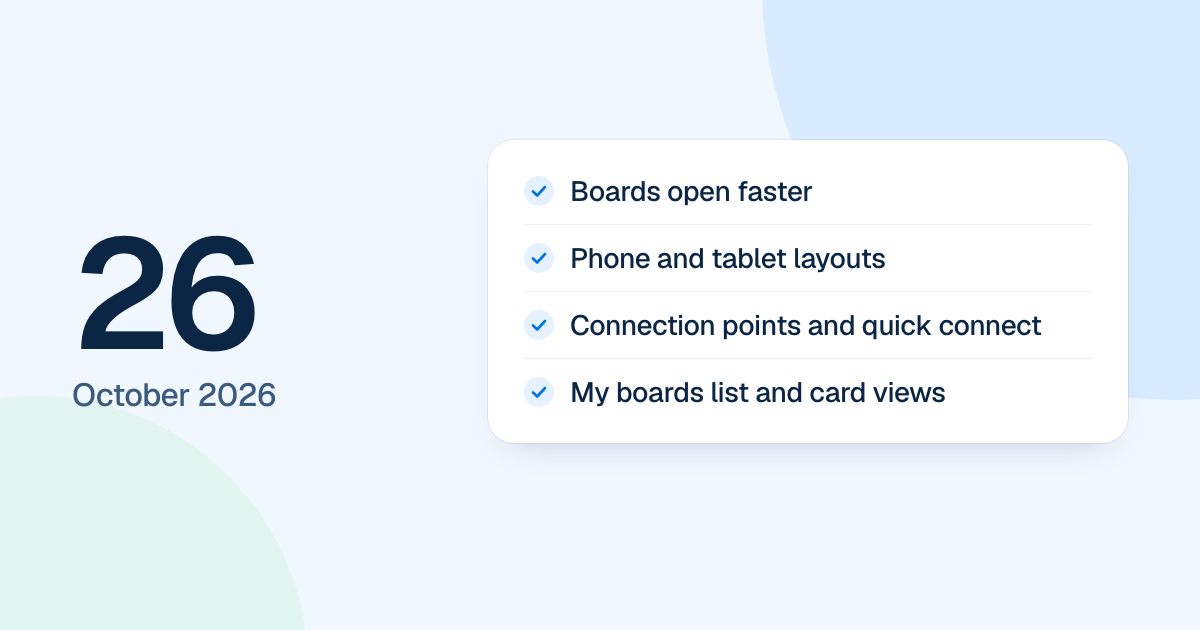
Boards opened faster on 26 October 2026, and the app learned to fit phones and tablets. This came a day after the core of the rebuild landed. People got this on 4 November 2026, when the new FlowDraw went live.
Quick AnswerThree things changed in this update on 26 October: boards open faster, sign-in, settings, the dashboard and the editor fit phones and tablets, and shapes connect through points on their outline. My boards gained list and card views with filters, and a board’s card now shows its preview as soon as you leave.
Faster boards
A board now asks for what it needs in one round of parallel requests, draws as soon as its saved copy arrives and syncs behind that. In a local test of a 600-element board, first paint fell from 921 ms to 302 ms on a direct load, and from 721 ms to 145 ms when coming from “My boards”.
Cards caught up too. A board’s card shows its preview the moment you leave, and boards made from a template, a copy or FlowDraw AI get one at once. A tab left open loads the new version on its next page.
Phone and tablet layouts
Below 1024 px the sidebar becomes a drawer behind a menu button, on the dashboard and in Settings. Lists, tables, menus and dialogs stay inside the window. On a phone, the editor’s side panels, comments, version history, Ask AI and shape library open as bottom sheets, and the dock scrolls when it is wider than the window.
Connecting shapes and finding boards
- Hovering a shape shows connection points on its outline, 16 on a rectangle. A line drawn from one stays on that exact point when shapes move.
- Quick connect puts a dot outside each side. A click joins a neighbor or adds a copy with a line, as one undo step.
- A marquee selects everything it covers, and a mixed selection opens a “Multi-select” panel.
- Mind maps lay out evenly, and topics glide into place. A new topic, card or note is selected, and a double-click edits it.
- New shapes have a 2 px outline.
- “My boards” has list and card views with “Space” and “Sort” filters, plus “New folder” on its sidebar row.
- People can ask to join a space, and space admins approve or deny from the bell.
The next day brought smart guides.