Smart guides and Kanban frames: FlowDraw update, 27 Oct 2026
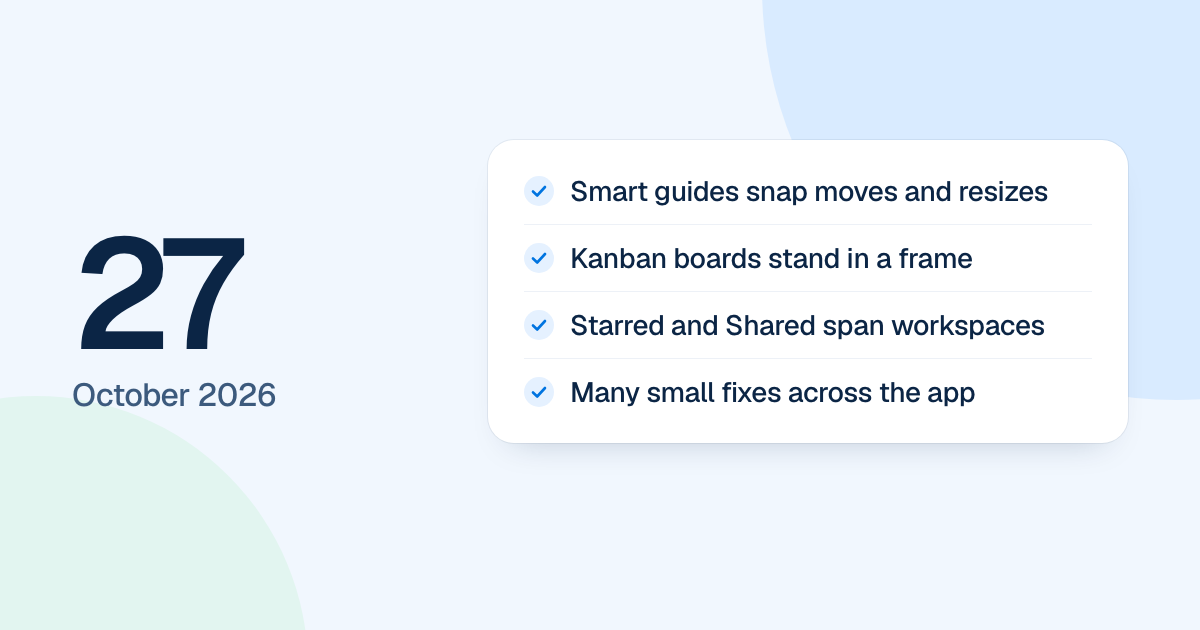
FlowDraw update for 27 October 2026: smart guides snap moves and resizes, Kanban boards stand in frames, and Starred and Shared with me span workspaces.
Smart guides arrived in the editor on 27 October 2026, and Kanban boards began to stand in a frame of their own. Most of the day went on small faults. As pre-release work, it reached people with the new FlowDraw on 4 November 2026.
Quick AnswerThe 27 October update added smart guides that snap moves and resizes, a size label while resizing, and Kanban boards that stand in a frame. Starred and Shared with me now cover other workspaces, Recent boards counts boards you open, and many small faults were fixed across the editor and dashboard.
Smart guides and Kanban frames
While you move or resize, edges and middles snap to the shapes in view within 6 screen pixels, and dashed lines mark each alignment. Hold Alt to move freely. A resize shows its size in a small label under the selection.
A new Kanban from the dock stands in a frame, and pressing anywhere on the frame picks the whole board. Its columns stay level, each as tall as the one that needs the most room, and the board grows and shrinks with its cards.
A mind map theme now recolors every topic of the map.
Lists that show what you expect
“Starred” lists boards you starred in other workspaces, and “Shared with me” lists boards shared from other workspaces. “Recent boards” on Home includes boards you only opened. A new workspace shows in the switcher at once. On phones, board, space and template cards sit two to a row, and Home’s start tiles are one row that scrolls sideways.
Small faults, fixed
| Before | Now |
|---|---|
| Delete and arrow keys changed the board behind a dialog or Present | Keys stay with the dialog |
| Inviting someone already on a board changed nothing | Their role changes, and the dialog says “Access updated” |
| A mention closed at the first space | A mention can use a full name of up to four words |
| Pasted Pro shapes vanished on Free without a word | The Pro dialog opens first |
| Changing a space’s default access changed existing boards | Existing boards keep their access |
| Escape could close the upgrade dialog during a payment | Escape waits until the payment ends |
| Enter in the search palette with no results made a board | Enter does nothing |
Menus now say “Move to Trash” where they said “Delete”, and toasts float at the top of the window. The next day added twenty shape themes.