How to create a work breakdown structure
A work breakdown structure splits a project into phases, deliverables and work packages. Learn the 100% rule, how to size work and how to draw one.
Six weeks before a conference, someone asks who booked the AV. Nobody did, because it was on nobody’s list. A work breakdown structure is that list, drawn so gaps show up while there is still time.
Quick AnswerA work breakdown structure splits a project into smaller and smaller pieces of work. Name the project, split it into phases, list the deliverables in each, then break those into work packages that one owner can estimate. Each level must hold all the work of its parent.
What is a work breakdown structure?
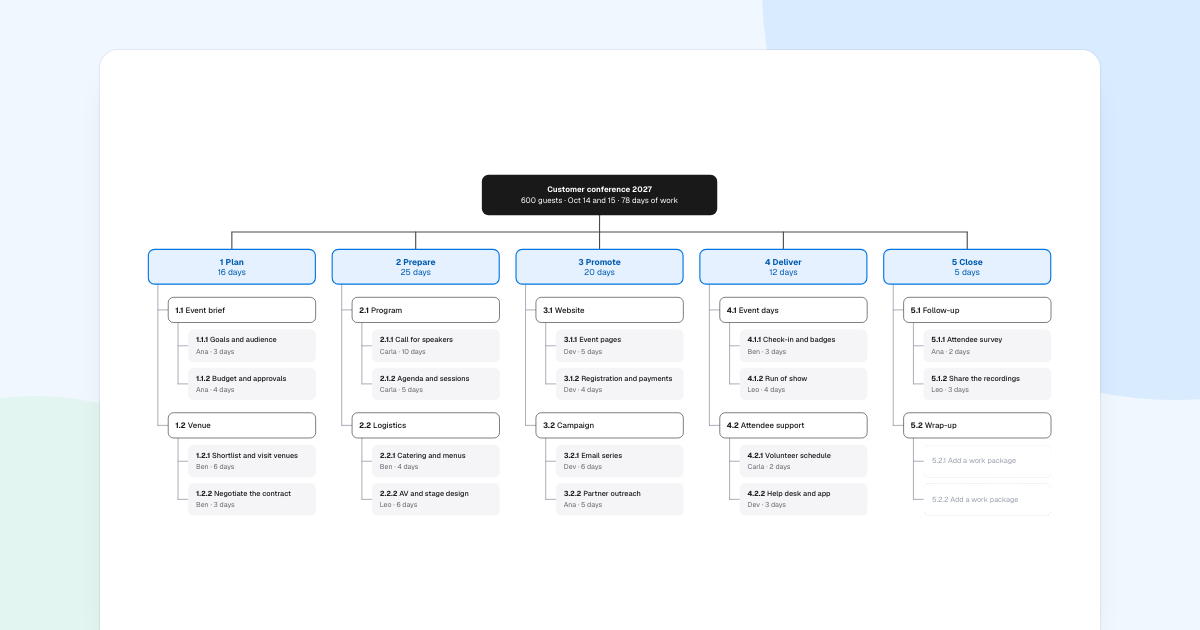
It is a tree of everything a project must produce, often shortened to WBS. It says what the work is, not when it happens. The example is Customer conference 2027, with 600 guests on Oct 14 and 15.
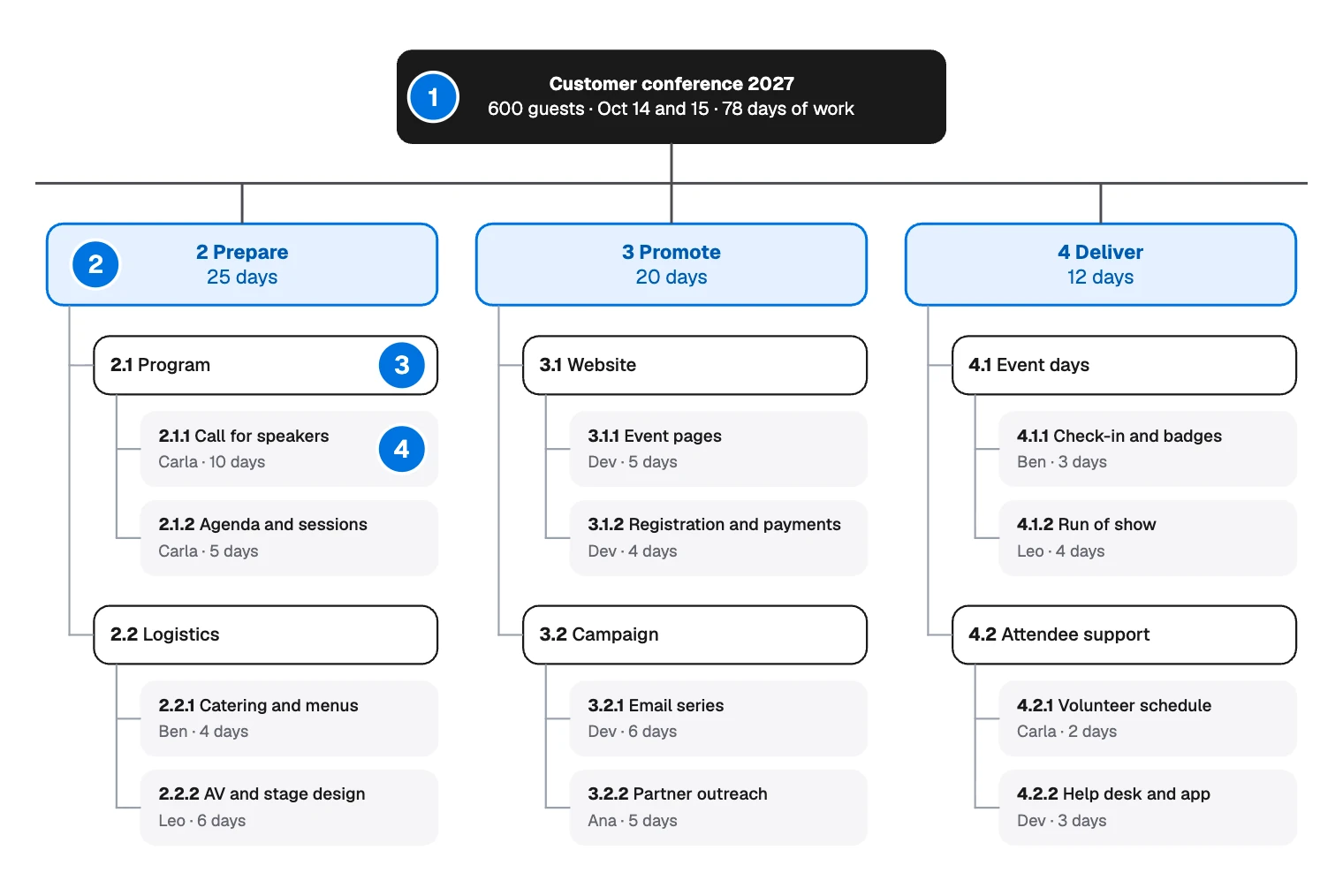
- Project: the whole job, in one box.
- Phase: a major stage, such as “2 Prepare”.
- Deliverable: something that will exist at the end, such as “2.1 Program”.
- Work package: the smallest piece, with an owner and a size, such as “2.1.1 Call for speakers”.
Make one when a project is too big to hold in your head, or when several people must agree on its scope. A small job with one owner can use a checklist.
How to create a work breakdown structure
Name the project
Put the outcome in the top box, with what limits it. “Customer conference 2027, 600 guests, Oct 14 and 15” tells everyone what is in scope. “Events” would not.
Split into phases
The example uses five: Plan, Prepare, Promote, Deliver and Close. Phases suit one-off work like events.
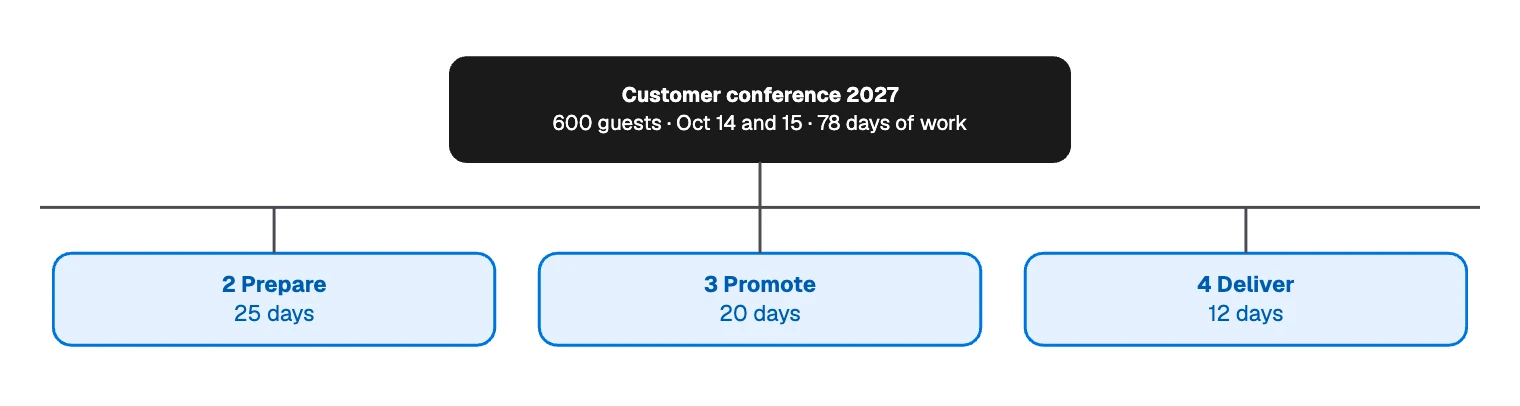
You can also split by product part, such as hardware and software, when the work is building something. Pick one way per level, or pieces start to overlap.
List the deliverables
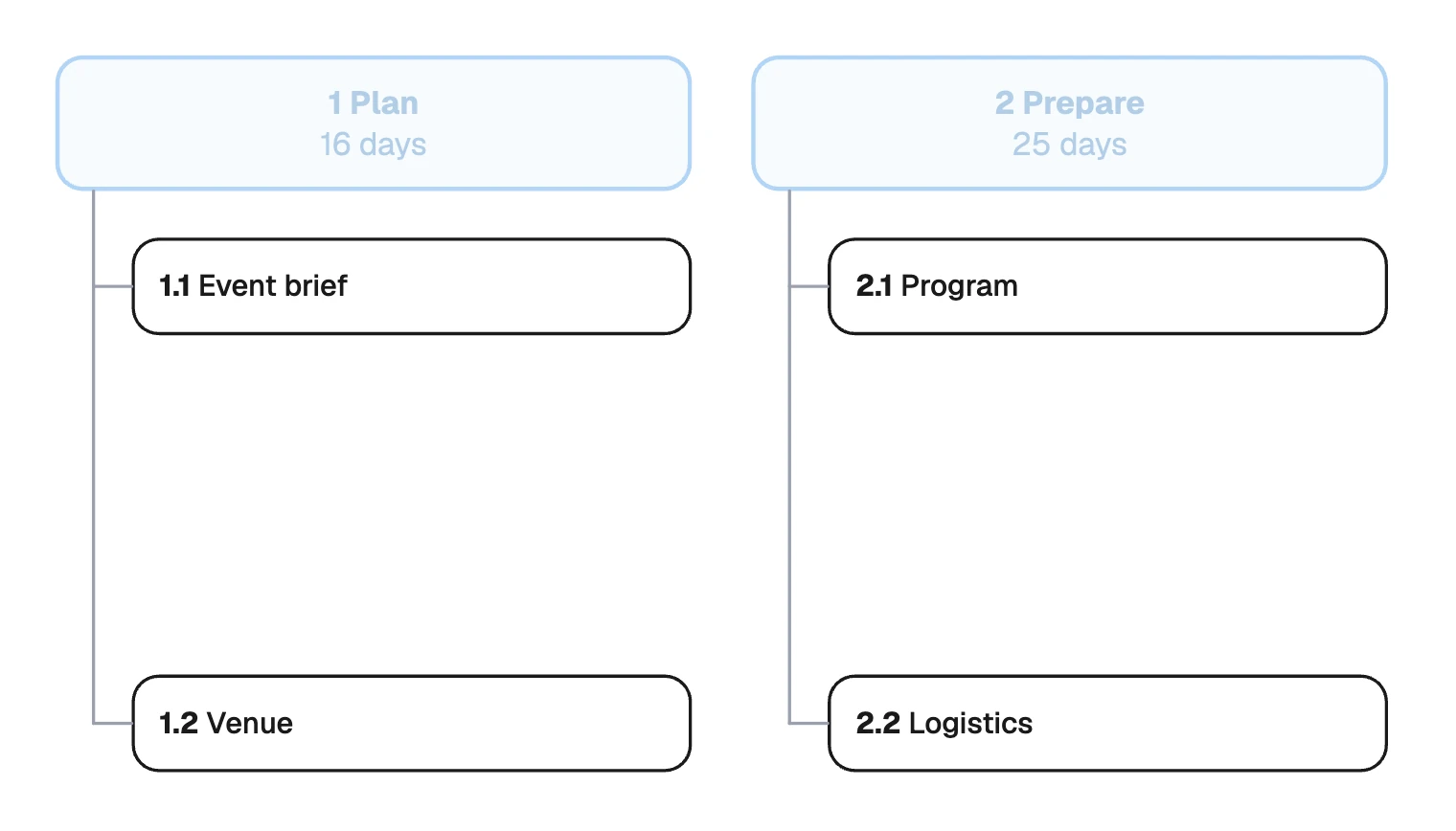
Under each phase, ask what must exist when it ends. Use nouns: “Venue”, “Program”, “Logistics”. Nouns keep you describing results, and steps can come later.
Size the work
Keep splitting until each piece passes the test on the board: one owner, 1 to 10 days, done when its output exists. Number as you go, so people can say “2.1.2” in a meeting.
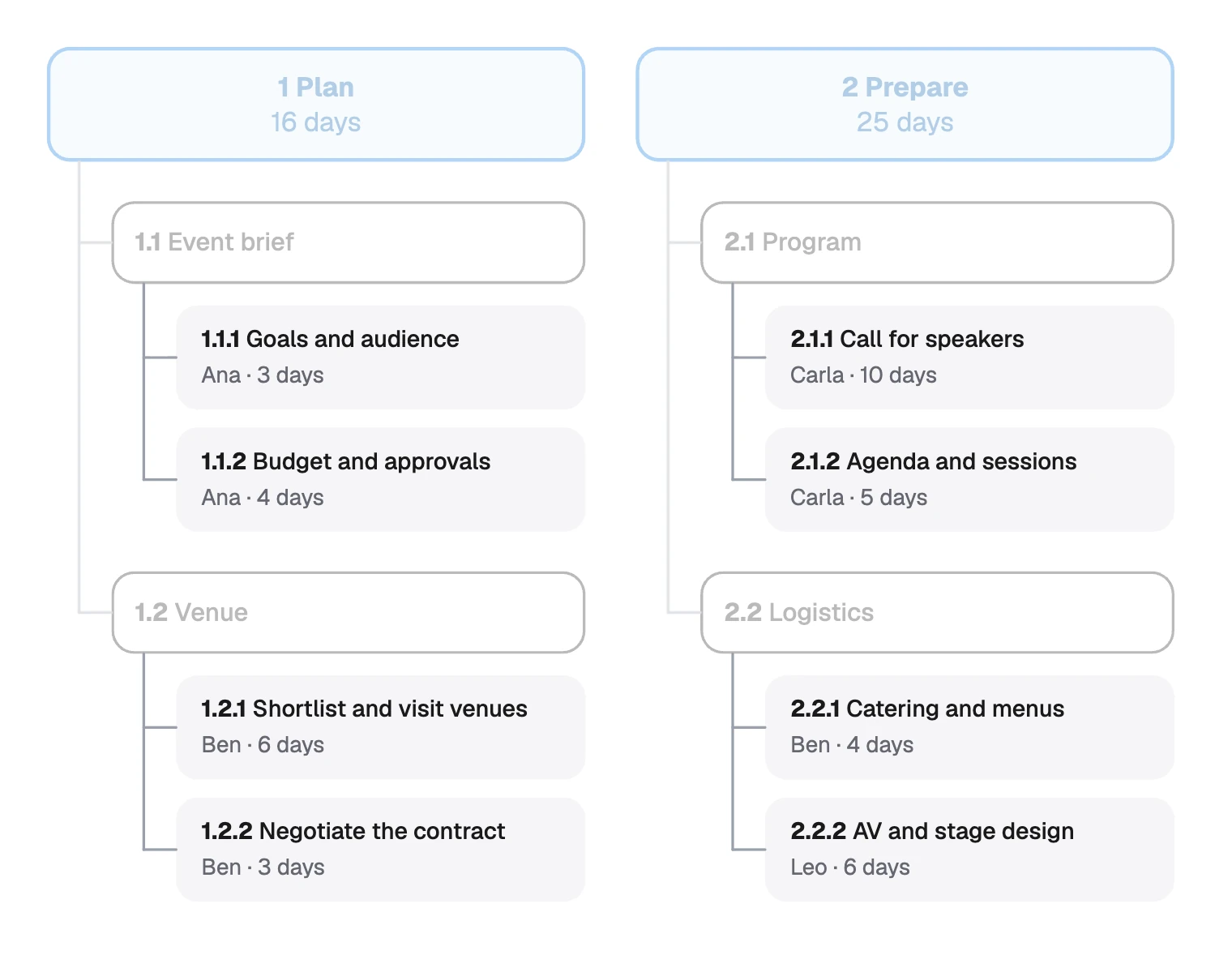
Ask the owner for the estimate. Their number is more likely to hold than yours.
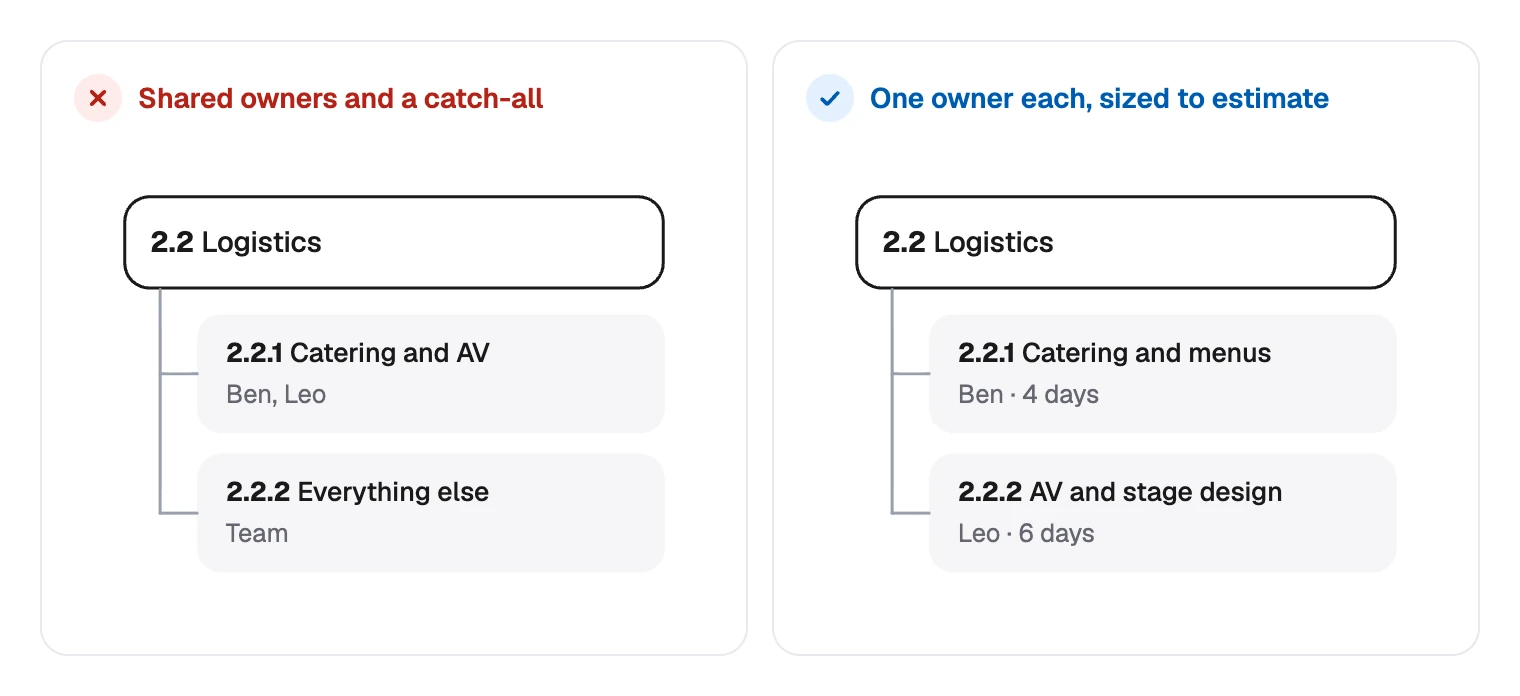
Splitting is also how you find vague work. “Catering and AV” hides two jobs, and “Everything else” hides a gap:
Check it with the 100% rule
Each level holds all the work of its parent, and nothing more. The numbers on the board let you test it:
| Phase | Its work packages add up to | Shown on the phase |
|---|---|---|
| 1 Plan | 3 + 4 + 6 + 3 | 16 days |
| 2 Prepare | 10 + 5 + 4 + 6 | 25 days |
| 3 Promote | 5 + 4 + 6 + 5 | 20 days |
| 4 Deliver | 3 + 4 + 2 + 3 | 12 days |
| 5 Close | 2 + 3 | 5 days |
| Project | 16 + 25 + 20 + 12 + 5 | 78 days of work |
Two things to keep straight:
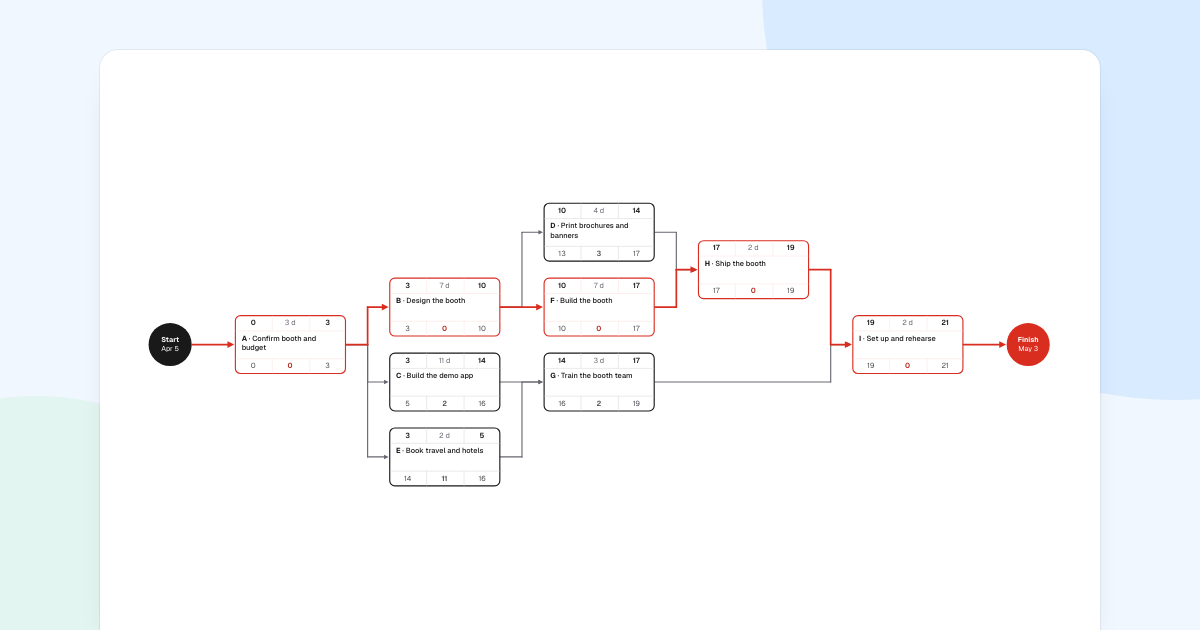
- 78 days is effort, not calendar time. Several people work at once. To get dates, put the work packages on a Gantt chart.
- Phase 5 has room to grow. “5.2 Wrap-up” still shows “Add a work package”, so its 5 days will change.
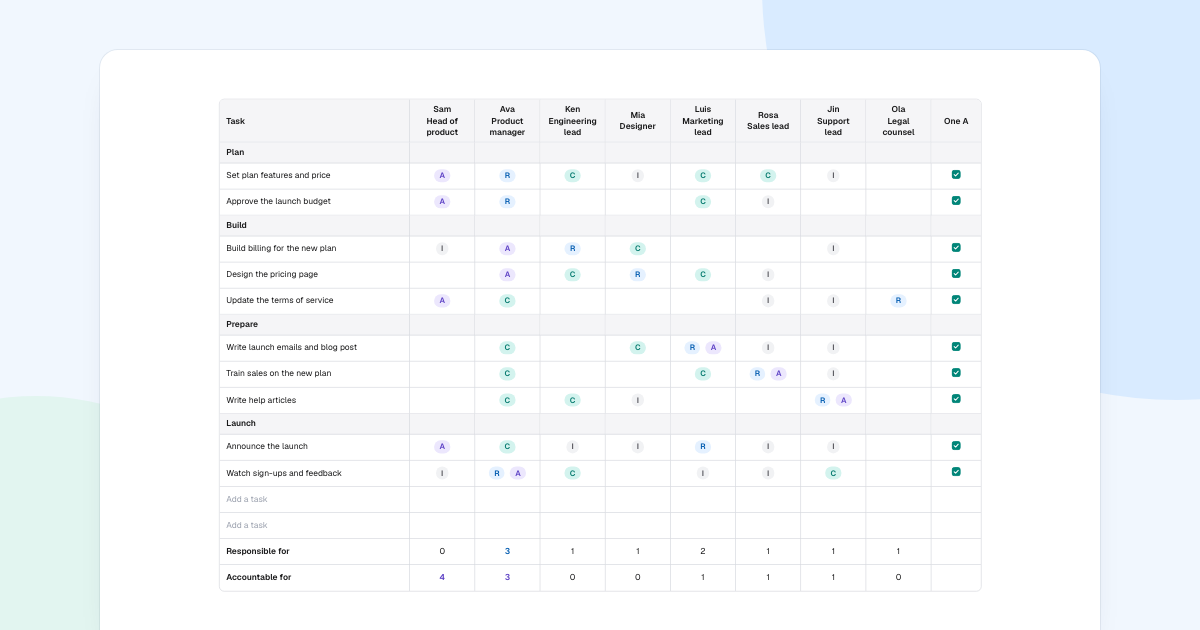
Then walk the tree with the team and ask what is missing. Finally, use a RACI matrix to show who else is involved in each piece.
Drawing a work breakdown structure in FlowDraw
The template is free, in the Project management category.
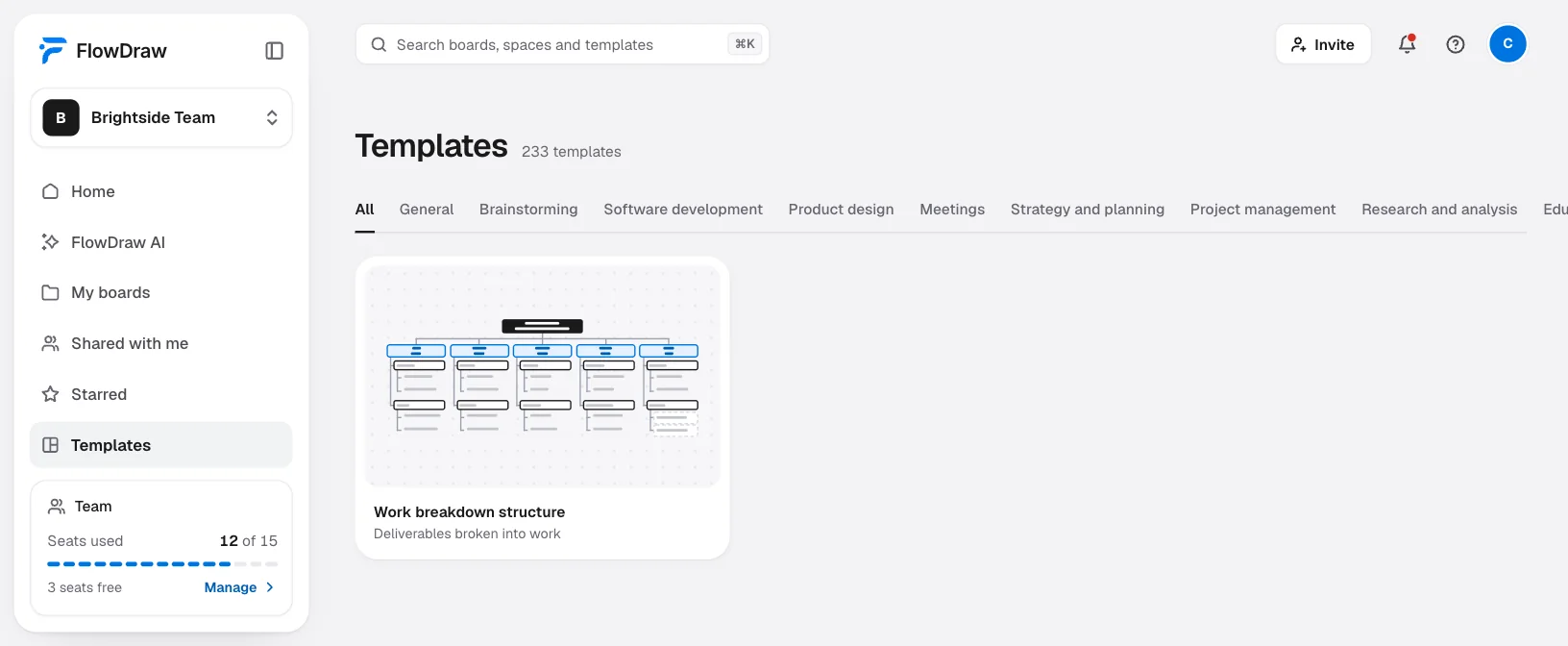
Open the template
Search for “Work breakdown structure” under “Templates”, open the card, then choose “Use template”.
Retype what is there
Double-click any text and type. A work package is a box with three text boxes on it: number, name, and owner with days. The two placeholders under 5.2 are boxes you can type in directly.
Add a work package
Drag from an empty part of the board around one package and its short line, which selects all five elements. Press ⌘D (Ctrl+D on Windows), drag the copy into place and retype it.
Extend the line
If the new package sits below the last one, click the vertical line and drag its lower end down to reach it.
Update the sums
Totals are plain text, so nothing adds up on its own. Retype the days on the phase and in the top box when packages change.
Agree it together
Choose “Share” and add people. They can comment with C, and on Free everyone you invite can also edit. On Pro only one person can edit.
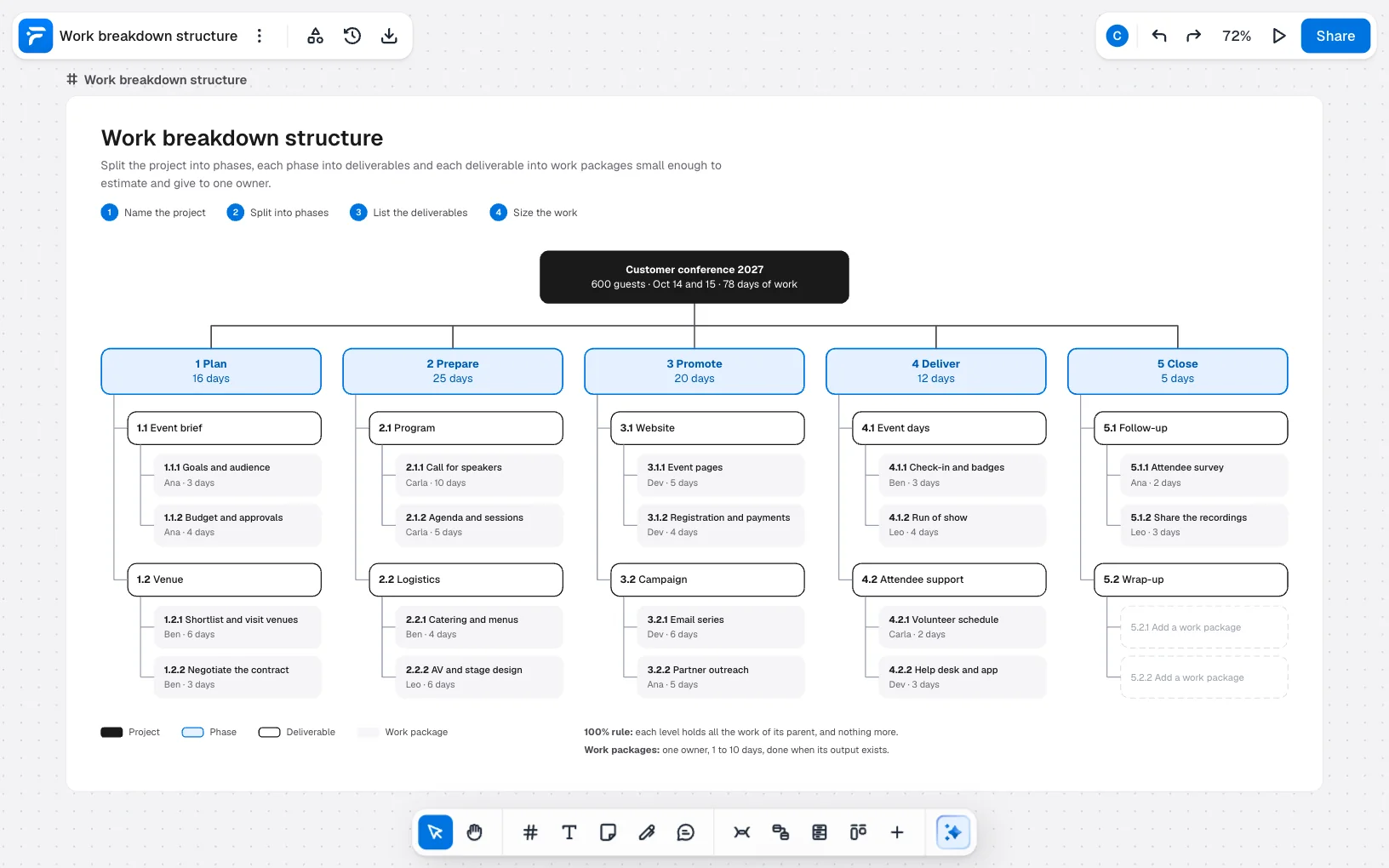
On Free, this board is over the limit, with 197 elements where Free holds 150. It opens whole and you can change every word, but adding anything is refused until you are under 150.
Deleting the title block, the key with its two notes and phase 5 leaves 146. Pro has no limit.
Work breakdown structure mistakes to avoid
- Writing a schedule. The tree has no order. “First” and “then” belong on a Gantt chart.
- Verbs at every level. “Do the venue” invites more doing. “Venue” can be finished.
- Shared work packages. With two owners, each assumes the other has it.
- A catch-all box. “Other” or “Miscellaneous” fails the 100% rule, because nobody can say what it holds.
- Going too deep. A package of an hour or two is a to-do list. Stop when you can estimate and assign.
- Leaving out management. Planning and follow-up are work too. Here, they have phases of their own.
FAQ
It defines all the work in a project, so nothing is forgotten and everything has an owner. Estimates, budgets and schedules are then built from its smallest pieces.