Whiteboard or diagram tool: when each one fits
Whiteboard or diagram tool? A whiteboard wins while ideas are loose, a diagram tool once the work must be kept or shared. How to tell, and when to switch.
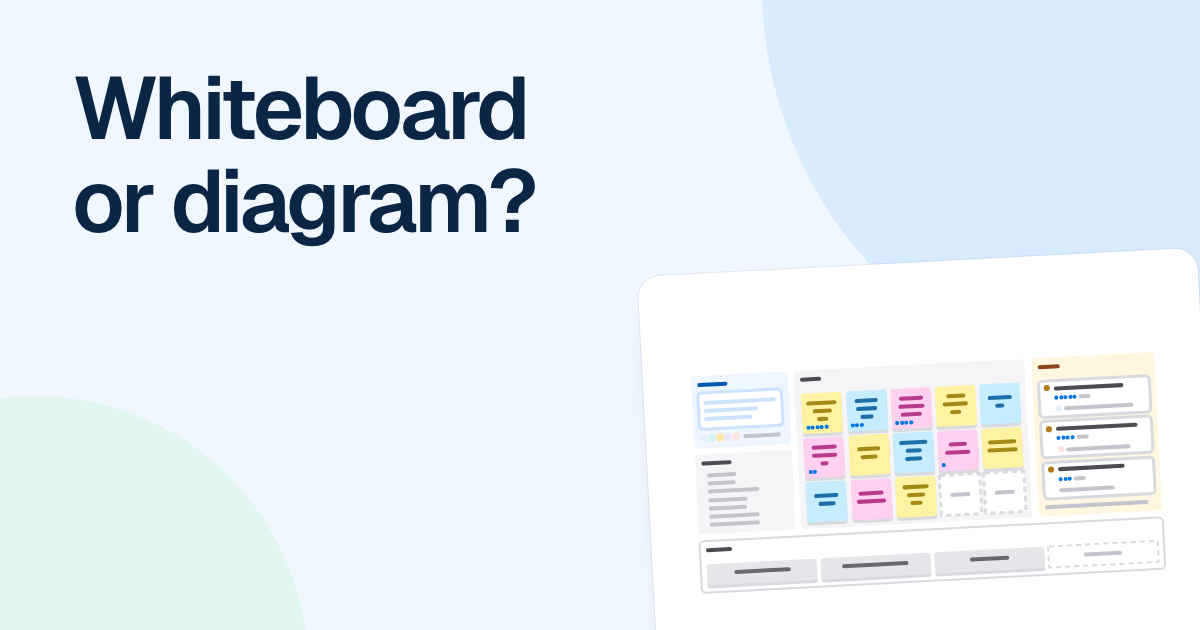
People ask whether to use a whiteboard or a diagram tool as if it were a purchase. It is really a question about what stage your thinking has reached, and most projects need both, in that order.
Quick AnswerUse a whiteboard, physical or online, while ideas are loose and the group is still arguing about what the boxes should be. Use a diagram tool once the result has to be kept, reused or shared with people who weren’t in the room. Switch when the structure stops moving.
When a whiteboard is the better choice
A marker on a wall has qualities software struggles to match. Being wrong costs nothing. Nobody worries about alignment. Everyone is looking at the same spot, and anyone can stand up and take the pen. A wobbly box also says “this isn’t decided yet”, which invites people to argue with it. A neat rounded rectangle says the opposite, even when it was drawn five minutes ago.
So use a wall, or a freeform online board if you’re remote, when the question itself is still moving. Four people working out which features can slip from a release. A team sorting a messy timeline after an incident. The first hour of designing an onboarding flow, when you don’t yet know how many steps there are.
The weakness shows up about a week later. The photo makes sense only to the people who were there, because half the meaning lived in the conversation. Nobody can update it, and nobody else can read it.
When a diagram tool is the better choice
Switch the moment any of these becomes true:
- It has to be kept. Someone will open it in three months and act on it.
- It has to be reused. The refund flow you draw today is where next year’s change starts.
- It has to be shared. People who weren’t in the room need to read it without a narrator.
What you get is structure. Connectors stay attached when a box moves, so adding a step doesn’t mean redrawing five arrows. Shapes carry meaning other people can read, which is what the conventions of a flowchart are for. You can pin a comment to one shape and export a clean copy.
Two signs tell you that you have waited too long. You have stopped adding ideas and started redrawing arrows, or someone has said “can you send me that?” Say Chris Walker’s team spends an hour at a wall working out a release plan. Near the end the notes stop moving and people start asking for a copy. That is the moment to redraw it, while everyone still remembers what the arrows meant.
Moving across doesn’t have to be a big job. For a short process, redraw it by hand, because that is often where you find the missing branch. For a wall full of notes, a mind map is a good halfway step, since it asks you to group things without yet deciding their order. Or photograph the wall, attach the photo to FlowDraw AI as a PNG or JPEG and ask for the kind of diagram you want. Treat what comes back as a transcription, and check every label.
We would resist the middle path of tidying up the whiteboard itself. A freeform board with neat boxes and hand-placed arrows looks finished and behaves like a sketch: the arrows don’t follow, the shapes mean nothing in particular, and the next edit takes as long as the first.
Where FlowDraw fits, and where it does not
FlowDraw is a diagram tool with some whiteboard parts: sticky notes in eight colors, a pen, frames, live cursors and 25 brainstorming templates. That is enough for a small working session whose output is going to be a diagram anyway. Four people can cluster notes in one frame and draw the swimlane in the frame beside it, with nothing to move afterward.
It is not a workshop tool, and you should know where it falls short before you book the session:
- No voting or timers. The “Dot voting” template gives you a layout, but people place the dots and count them by hand, and nothing hides them until a reveal.
- No reactions or calls. There are no emoji reactions and no audio or video, so keep a call running alongside.
- No following. “Present” shows frames one at a time on your own screen. It doesn’t bring anyone else’s view along.
- No locking. Elements can’t be locked, so anyone with “Can edit” can drag your carefully laid-out exercise.
- Sign-in for everyone. A share link still needs a signed-in person, which slows down a session with outside guests.
- A basic pen. There are two thicknesses and an eraser that removes whole strokes. If you think by sketching, paper or a sketching app will serve you better.
- A connection. There is no offline mode or native app. A wall keeps working when the wifi doesn’t.
For a large workshop with timed rounds and anonymous votes, use a tool built for facilitation, or a room with a wall, and bring the result into FlowDraw afterward. A 40-person session on a diagram board will frustrate everyone in it. A retrospective is the usual borderline case. A small team can run one from a template on a FlowDraw board and count any votes by hand.
FAQ
They overlap, but they are built for different stages. An online whiteboard favors free placement and group sessions. A diagram tool favors attached connectors, standard shapes and files you keep updating. Many products do some of both, so judge by how you plan to use the result.