Why architecture diagrams need zoom levels
Why architecture diagrams need zoom levels: one picture cannot serve an executive and an on-call engineer. Learn which C4 levels to draw and where to stop.
Put an executive and an on-call engineer in front of the same architecture diagram and both will leave unhappy. One sees too many boxes, and the other sees a box called Payments with nothing useful inside it.
Quick AnswerArchitecture diagrams need zoom levels because readers ask different questions at different depths. A context view shows what the system is, who uses it and what it depends on. A container view shows what runs and how the parts talk. Draw those two first. Most teams never need more.
Why one architecture diagram fails both readers
The executive wants to know what the system does, who relies on it and which outside companies could stop it working. Those are questions about its edges, and technology names get in the way of the answer.
The on-call engineer has a different problem at two in the morning. Customers say invoice emails are not arriving, so where do you look first? Which process sends the email, what feeds it, and what does it depend on? Those are questions about the inside.
Every box you add for the engineer makes the page harder for the executive. Every box you merge for the executive hides something the engineer needs. So teams compromise, and you get the diagram found in many slide decks: thirty boxes, some of them products, some teams, some servers, joined by arrows that could mean anything. It is too dense to present and too vague to debug.
Under the crowding sits a second problem, which is mixed levels of detail. When Stripe, a Redis cache and the billing team are all drawn as the same kind of box, no reader can tell what a box stands for.
The zoom levels of the C4 model
The C4 model, created by Simon Brown, is the answer we recommend. It describes one system at four levels of zoom and says what kind of thing belongs at each, much as a map app shows countries when you zoom out and streets when you zoom in.
| Level | What it shows | Who reads it | Should you draw it? |
|---|---|---|---|
| Context | Your system as one box, the people who use it and the systems it depends on | Everyone, technical or not | Yes |
| Container | The applications and data stores inside the system, and how they talk | Developers, architects, operations and support | Yes |
| Component | The main parts inside one container | Developers and architects | Only where a container is hard to understand |
| Code | The classes or tables inside one component | Developers and architects | Rarely, and generate it if you can |
In C4, a container is an application or a data store, and it has nothing to do with Docker. A web app, a background worker and a PostgreSQL database are each one container.
C4 does not ask for all four levels. Its own guidance is to draw only what adds value, and it says context and container diagrams are enough for most teams. We would go further: treat those two as the default, and ask anyone who wants a third level to name the question it answers. Component and code diagrams change as often as the code does, so they go stale first, and an engineer who needs that depth usually has the code open anyway.
Two levels of one invoicing platform
Take a platform that lets small businesses send invoices and take payments.
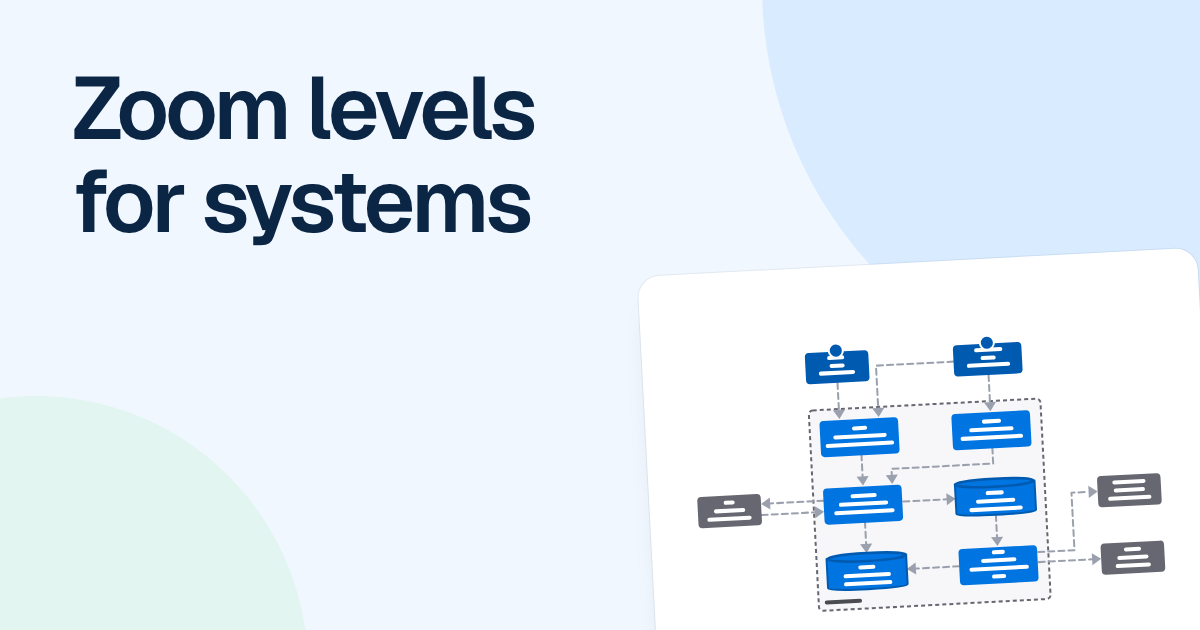
The context view has the invoicing platform as one box in the middle. Around it are the business owner, the accountant and the customer, plus four outside systems: Stripe for payments, Plaid for bank feeds, QuickBooks Online for the ledger and Postmark for email. Each arrow says what happens in plain words, such as “Takes payments with” or “Syncs the ledger to”. There is no technology on the page. An executive can answer their question in a minute: if Stripe is down, card payments stop, and if Postmark is down, invoice emails stop going out.
The container view opens that one box. Inside the boundary are a web app, a mobile app, an API application, a worker, a job queue and a database. Each arrow now also says how, such as “Queues jobs [AMQP]” or “Sends email [HTTPS]”. The engineer chasing missing emails can trace the route: the API queues a job, the queue delivers it to the worker, and the worker sends it through Postmark. That gives three places to check, in order.
The two views work together because the names match. The invoicing platform is a box in one and a boundary in the other, and Stripe is called Stripe in both. When a name changes between levels, readers assume it is a different thing.
FlowDraw’s “C4 context diagram” and “C4 container diagram” templates use this same invoicing example, so you can start from a working pair and replace it with your own system. Keep both levels on one board, each in its own frame. Frames are the slides of Present and the pages of Export, so you can walk leadership through the context frame and export the container frame for the on-call runbook.
What an on-call engineer needs next
When the container view is not enough, the next useful picture is rarely the component level. It is usually a different kind of picture: a sequence diagram of the one request that keeps paging you, or a cloud architecture diagram showing which zone and subnet each part runs in. C4 itself lists dynamic and deployment diagrams as supporting views. Draw these for the flows that have already hurt you, such as the payment webhook, and leave the rest alone.
When one level is enough
Size decides this. If the system is one app, one database and a single outside service, one picture can serve everyone: draw the containers, add the outside system, and stop.
Split into two levels when the container view no longer reads well on one screen, or when people outside engineering keep asking what the boxes mean. Either way, one diagram should answer one question, so write that question at the top of the frame before you draw.
FAQ
Context, container, component and code. Each one zooms further in: the system and its surroundings, the applications and data stores inside it, the main parts inside one container, and the classes or tables inside one component.