What is a change request?
A change request is the written way to ask for a change to a project that has already been agreed: more scope, a different date, extra budget. It exists so that changes are decided once, by the right people, with the cost in front of them. Without it they slip in through hallway conversations.
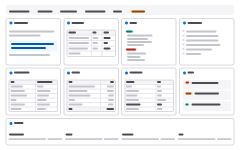
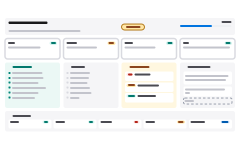
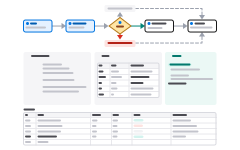
This template holds the whole path of one request on a board. A flow across the top shows the process. Three panels below hold the request, its impact and the decision, and a log at the bottom lists every request the project has had. The board’s rule is in its opening lines: nothing changes in the plan until the change board decides.
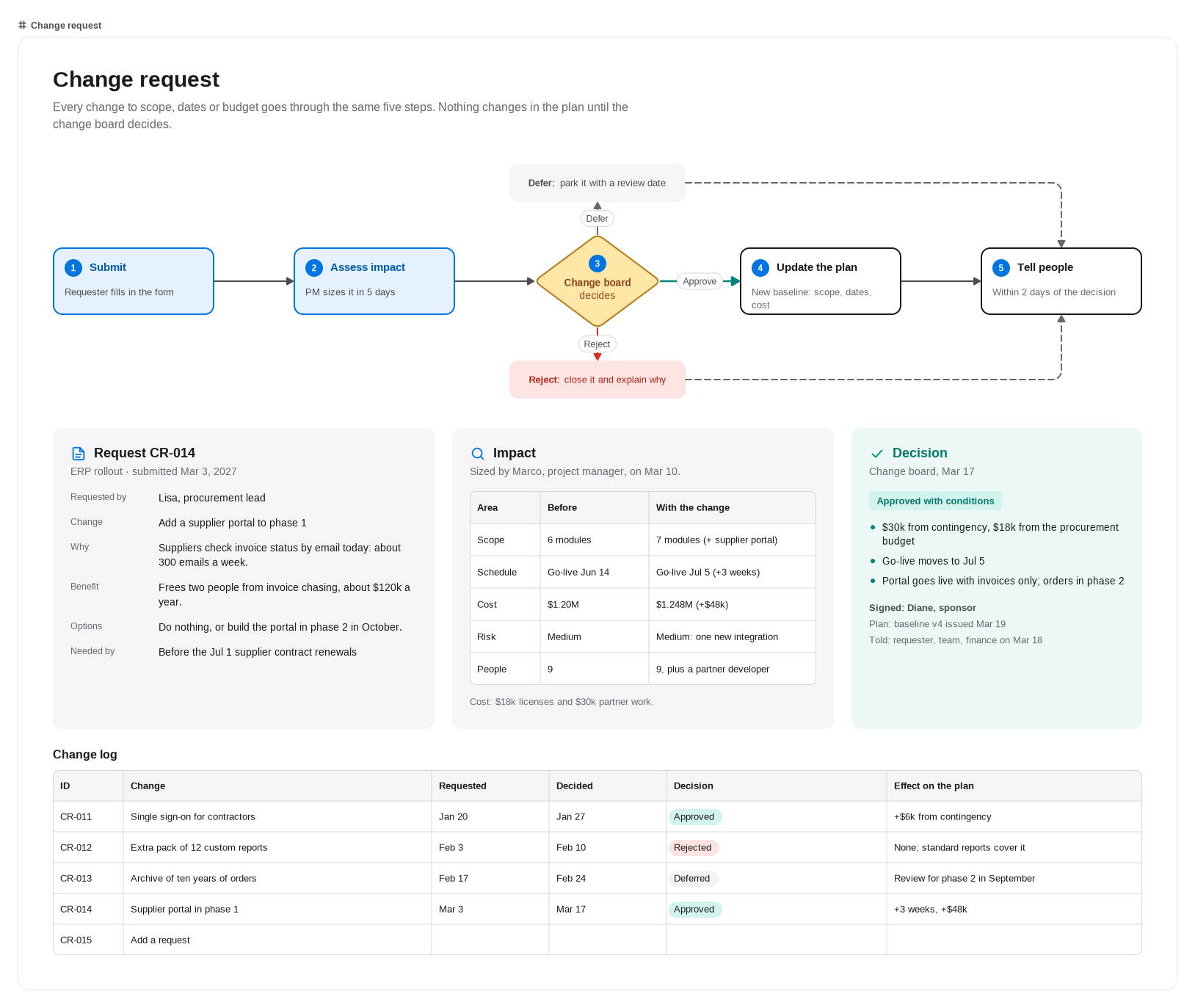
Five steps and three outcomes
The flow reads from left to right, and each step carries a short rule.
- 1. Submit. The requester fills in the form.
- 2. Assess impact. The project manager sizes it in 5 days.
- 3. Change board decides. This is the diamond, with three arrows out.
- 4. Update the plan. A new baseline for scope, dates and cost.
- 5. Tell people. Within 2 days of the decision.
The arrow marked “Approve” leads on to step 4. “Reject” drops to a box that says “close it and explain why”. “Defer” rises to one that says “park it with a review date”. Both of those boxes connect straight to step 5. Whatever the board decides, the requester hears about it. That last link is what keeps people using the process.
The request: what, why and by when
The first panel is the form. In the example Lisa, the procurement lead, asks to add a supplier portal to phase 1. The form makes her answer six questions, and the useful ones are not about the change itself:
- Why. Suppliers check invoice status by email today: about 300 emails a week.
- Benefit. Frees two people from invoice chasing, about $120k a year.
- Options. Do nothing, or build the portal in phase 2 in October.
- Needed by. Before the Jul 1 supplier contract renewals.
A request with a counted problem and a stated alternative can be judged. “We need a portal” cannot. Notice that the requester does not estimate the cost. That is the next panel’s job, and someone else does it.
Impact: before and with the change
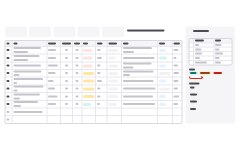
The second panel belongs to the project manager. A table compares the plan as it stands with the plan if the change is approved, across five areas. Scope goes from 6 modules to 7. Go-live moves from Jun 14 to Jul 5, three weeks later. Cost rises from $1.20M to $1.248M. Risk stays at medium, with one new integration. The team of 9 gains a partner developer.
Under the table the extra $48k is split into its parts: $18k for licenses and $30k for partner work. Set this beside the benefit on the form, about $120k a year, and the change board has what it needs: one side of a trade next to the other.
The decision, on record
The third panel records what the change board decided on Mar 17: “Approved with conditions”. The conditions are specific. $30k comes from contingency and $18k from the procurement budget. Go-live moves to Jul 5. The portal goes live with invoices only, and orders wait for phase 2.
Three short lines close the loop: who signed (Diane, the sponsor), which plan now applies (baseline v4, issued Mar 19) and who was told (requester, team and finance, on Mar 18). Months later, when someone asks why go-live moved, this panel is the answer.
How to use the change request template
- Open it as a new board. Use this template copies it with CR-014 filled in. Keep one board per project and duplicate the three panels for each new request.
- Set your own rules. Edit the lines under the five steps: who assesses, in how many days, who sits on the change board.
- Have the requester fill in the form. Send them the board and ask for all six fields, with a number in Why or Benefit.
- Size the impact. Fill both columns of the table for scope, schedule, cost, risk and people before the board meets.
- Record and log the decision. Write the outcome and its conditions, then add a row to the change log, including for requests that were refused.
When a change needs a request
Use the process for anything that moves the agreed scope, dates or budget. In the example’s log that ranges from single sign-on for contractors at $6k to a portal costing three weeks and $48k. A fix inside the plan, or a detail the team can settle itself, does not need one.
A change request only works against a written baseline. If the project has none, start with a project charter. Approved changes should show up in the next status report, and any new risk they bring belongs in the risk register.
Questions about the Change request template
Who approves a change request?
A change board: usually the sponsor, the project manager and the heads of the areas affected. For small projects it can be the sponsor alone. What matters is that the people who decide are named before the first request arrives.
What is scope creep?
Scope creep is work added to a project without a decision: one small favor after another until the date and budget no longer fit. A change request does not stop additions. It makes each one visible, priced and either accepted or refused.
What does “approved with conditions” mean?
The change goes ahead, but not exactly as asked. In the example the portal is approved for invoices only, orders are left to phase 2, and the funding is split between contingency and the procurement budget.
Why keep rejected requests in the log?
Because they come back. A row such as CR-012 in the example, an extra pack of custom reports, rejected because standard reports cover it, saves the team from arguing the same case again six months later.