What is a course syllabus?
A syllabus is the document students receive on the first day of a course. It answers the questions they will otherwise ask all term: when and where the class meets, what to read, what is due and when, how the final grade is worked out, and what happens if work is late.
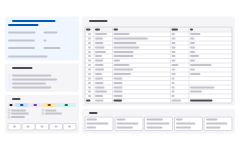
Most syllabi are several pages of text. This template fits one on a single board with five cards: course details, learning outcomes, grading, a weekly schedule and policies. The example is “PSY 101 · Introduction to psychology”, a three-credit course with no prerequisites, taught in fall 2027.
Course details and learning outcomes
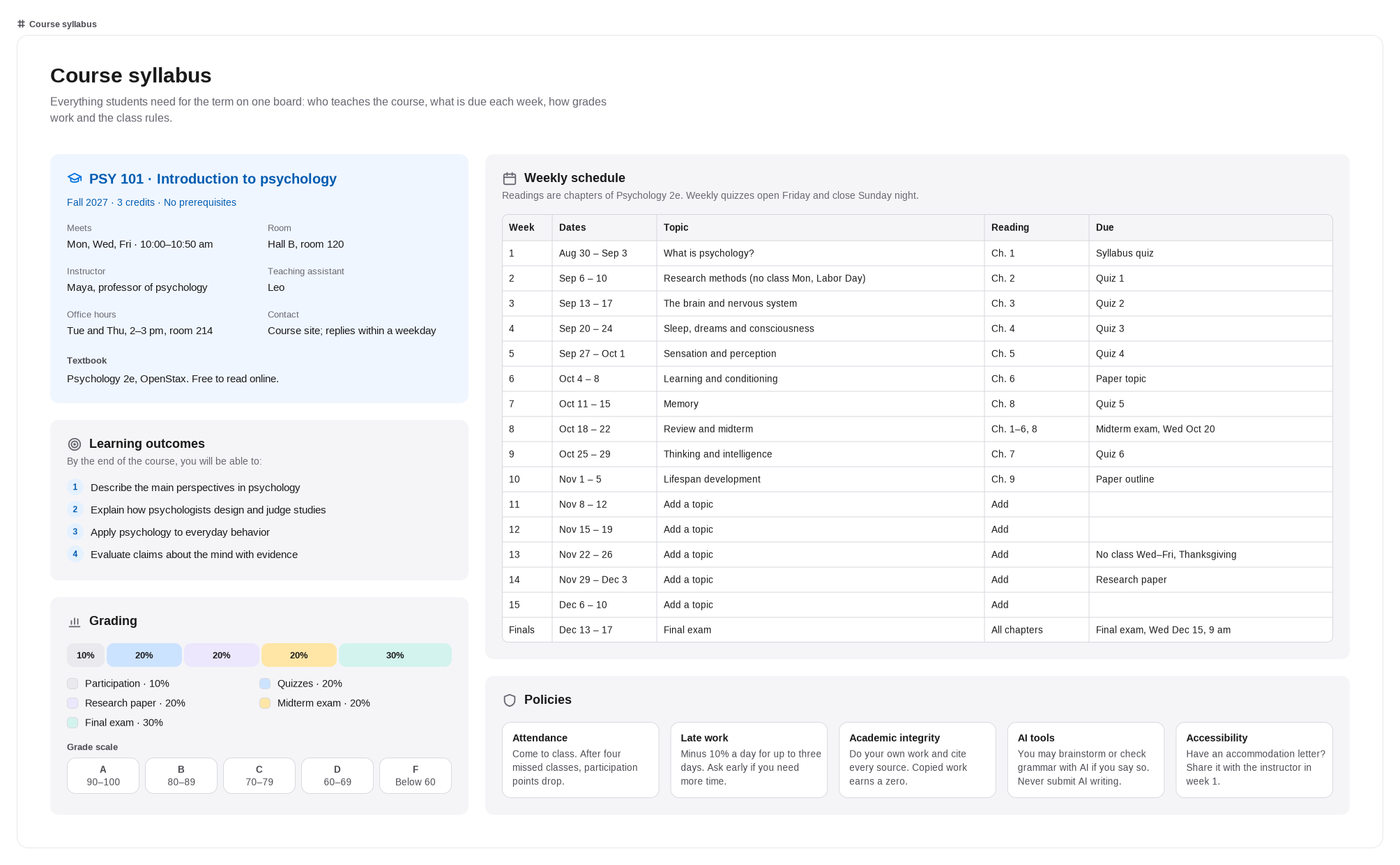
The top left card is the one students come back to in week one. Under the course name it lists the practical facts in labelled pairs: meets Monday, Wednesday and Friday at 10:00 am in Hall B, room 120. The instructor is Maya, a professor of psychology, and the teaching assistant is Leo. Office hours are Tuesday and Thursday afternoons in room 214. Contact is through the course site, with replies within a weekday. The last line names the textbook and notes that it is free to read online.
The card below it, Learning outcomes, opens with “By the end of the course, you will be able to:” and gives four numbered answers. Each starts with a different verb: describe the main perspectives in psychology, explain how psychologists design and judge studies, apply psychology to everyday behavior, and evaluate claims about the mind with evidence. The verbs climb from recalling to judging, which tells students the course expects more than memorizing terms.
The weekly schedule
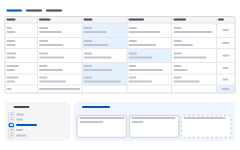
The largest card is a table with one row per week and five columns: Week, Dates, Topic, Reading and Due. A note above it sets the rhythm: readings are textbook chapters, and weekly quizzes open Friday and close Sunday night.
Week 1 is “What is psychology?”, chapter 1, with a syllabus quiz due. Week 3 is the brain and nervous system. Week 4 is sleep, dreams and consciousness. The Due column shows the research paper arriving in stages across the term: a paper topic in week 6, a paper outline in week 10 and the paper itself in week 14.
The table also records the exceptions students most often miss. Week 2 says “no class Mon, Labor Day” next to its topic. Week 8 is “Review and midterm”, with the exam on Wednesday, October 20. Week 13 notes no class Wednesday to Friday for Thanksgiving. The last row, Finals, gives the final exam’s day and hour. Putting holidays and exams in the same grid as the topics means there is one place to look.
Grading at a glance
The Grading card shows the weights as a single bar cut into five segments, so their sizes can be compared by eye: 10%, 20%, 20%, 20% and 30%. The legend under the bar names them: participation 10%, quizzes 20%, research paper 20%, midterm exam 20% and final exam 30%.
A bar makes one thing obvious that a list hides. Here the final is the largest piece, but the three middle pieces together are worth twice as much, so steady work across the term outweighs one good exam day.
Under the legend is the grade scale as five tiles: A for 90 to 100, B for 80 to 89, C for 70 to 79, D for 60 to 69, and F below 60. When you adapt the card, check that your segments add up to 100% and resize each one to match its number.
Policies in five short cards
The Policies row replaces pages of fine print with five cards of two or three sentences each:
- Attendance. After four missed classes, participation points drop.
- Late work. Minus 10% a day for up to three days. Ask early if you need more time.
- Academic integrity. Do your own work and cite every source. Copied work earns a zero.
- AI tools. Brainstorming and grammar checks are allowed if you say so. Never submit AI writing.
- Accessibility. Share an accommodation letter with the instructor in week 1.
Each card states the rule and the consequence in plain words, with a number where one applies. Students follow rules they can remember. Link to your institution’s full policy text from the course site and keep the board for the short version.
How to use the course syllabus template
- Open it as a new board. Use this template copies the board to your workspace. Replace the course name, meeting times, people and textbook in the first card.
- Write four outcomes. Start each with a verb you can assess, and make sure something in the Due column tests each one.
- Finish the schedule. Retype the dates for your term. In the example, weeks 11 to 15 still read “Add a topic”, so you can see how unfinished rows look. Enter holidays and exam dates before the topics.
- Set the weights. Edit the legend and the bar together, then adjust the grade scale if your institution uses a different one.
- Rewrite the policies. Keep each card to the rule and its consequence.
Export the finished board as a PDF to post on the course site or hand out in the first class.
When one board is enough
The one-board format suits a school or college course where students mainly need dates, weights and rules. It is also a useful planning view for the instructor before the long official document is written.
To check which weeks serve which standards, use the curriculum map. To refine the outcomes themselves, the learning objectives template sorts verbs by level. And the research paper in the example deserves its own grading rubric.
Questions about the Course syllabus template
What should a syllabus include?
The course name and meeting times, how to reach the instructor, required materials, learning outcomes, a schedule of topics and due dates, how grades are calculated, and the main policies. This template has a card for each of those and nothing else.
How long should a syllabus be?
Short enough that students read it. The one-board version here covers the essentials. If your institution requires long policy statements, keep them in a separate document and point to it from the board, so the schedule and grading stay easy to find.
Can I use it for a high school class?
Yes. Change the credits line to a grade level, rename office hours to extra help times, and adjust the schedule to your terms or quarters. The cards for grading and policies work the same way for any course.
How do I add more weeks to the schedule?
The schedule is a table, so add a row for each extra week and type its dates, topic, reading and due items. For a shorter course, delete the rows you do not need and move the Finals row up.