What is a lesson plan?
A lesson plan is a teacher’s map of one class period. It says what students should be able to do by the end, what happens minute by minute to get them there, and how the teacher will know it worked.
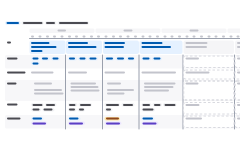
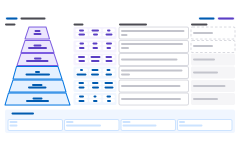
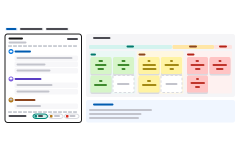
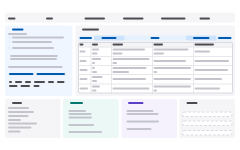
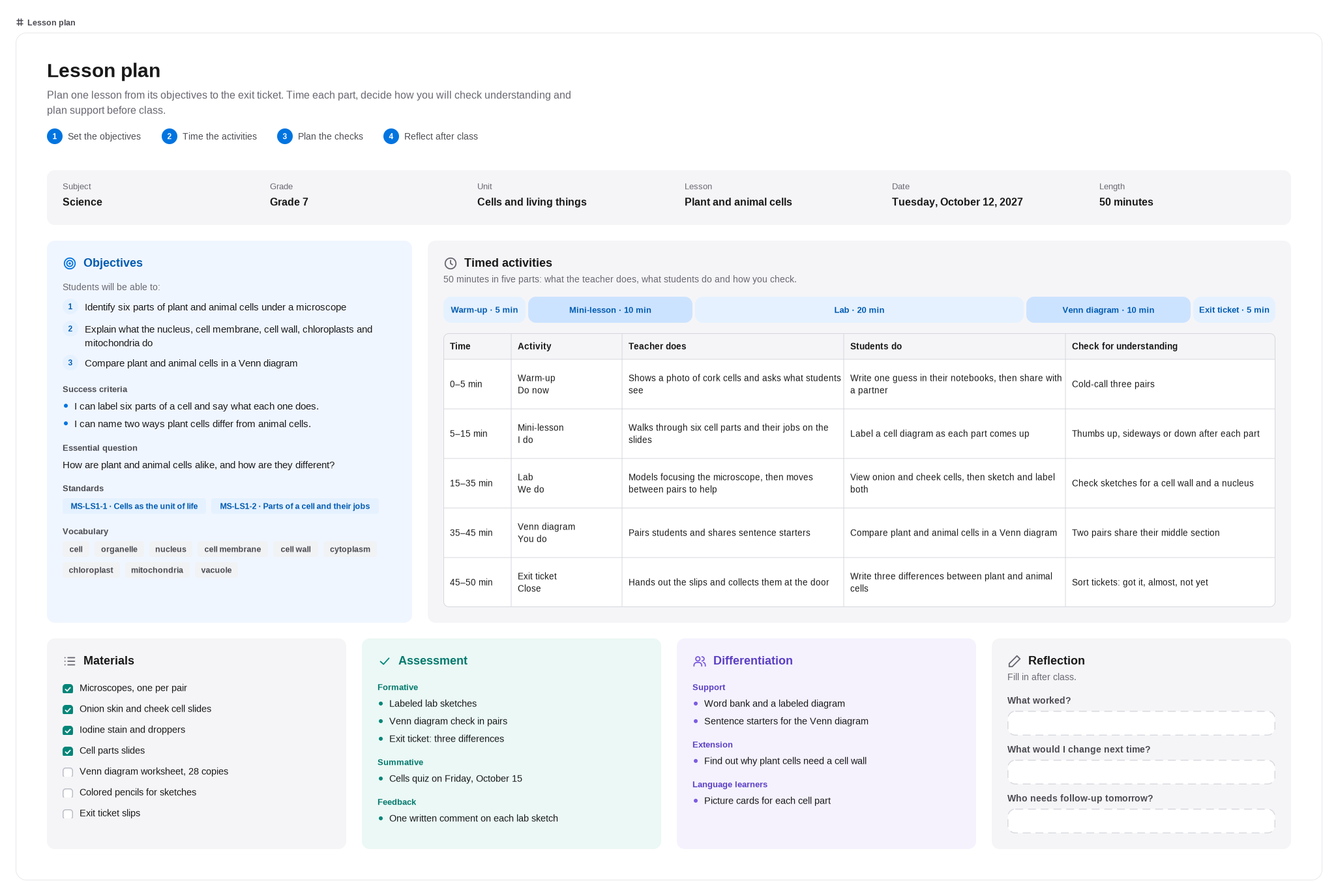
This template puts all of that on a single board. A strip across the top names the subject, grade, unit, lesson, date and length. Below it sit the objectives and a timed table of activities, and along the bottom four cards hold materials, assessment, differentiation and reflection. The example is a Grade 7 science lesson, “Plant and animal cells”, from a unit called “Cells and living things”, planned for 50 minutes.
Objectives, success criteria and vocabulary
The left panel is the reason for the lesson. It starts with “Students will be able to:” and lists three numbered objectives. Each begins with a verb a teacher can observe: identify six parts of plant and animal cells under a microscope, explain what the nucleus, cell membrane, cell wall, chloroplasts and mitochondria do, and compare the two kinds of cell in a Venn diagram.
Under the objectives the panel has four smaller parts:
- Success criteria. The objectives in a student’s words: “I can label six parts of a cell and say what each one does.”
- Essential question. “How are plant and animal cells alike, and how are they different?”
- Standards. Two tags, MS-LS1-1 and MS-LS1-2, each with a short description.
- Vocabulary. Nine terms as chips, from “cell” and “organelle” to “vacuole”.
Time every part of the lesson
The right panel splits the 50 minutes into five parts. A bar at the top shows them to scale, so the 20-minute lab is visibly four times the width of the 5-minute warm-up. That bar is the quickest way to spot a plan where the teacher talks for most of the period.
The table under the bar gives each part one row and answers three questions about it: what the teacher does, what students do, and how understanding is checked. In the example the warm-up shows a photo of cork cells and ends with a cold call of three pairs. The mini-lesson walks through six cell parts with a thumbs up, sideways or down after each one. The lab has students view onion and cheek cells, then sketch and label both. The Activity column also marks who carries the work: “I do”, “We do”, “You do”.
A row is finished only when its last column is filled. If you cannot say how you will check a part, students probably cannot tell whether they got it either.
Plan the checks and the support before class
Two cards at the bottom hold the decisions that are hard to make in the middle of a lesson. Assessment separates formative checks during the period (labeled lab sketches, a Venn diagram check in pairs, an exit ticket with three differences) from the summative one, a cells quiz on Friday. It also says what feedback students get: one written comment on each lab sketch.
Differentiation has three headings. Support lists a word bank, a labeled diagram and sentence starters for the Venn diagram. Extension sends fast finishers to find out why plant cells need a cell wall. Language learners get picture cards for each cell part. Writing these down ahead of time means the word bank is printed before the bell, not improvised after a student is already stuck.
How to use the lesson plan template
- Open it as a new board. Use this template copies the board to your workspace with the cells lesson still in place as a model.
- Set the objectives. Fill in the header strip, then write two or three objectives that start with a verb. Rewrite each one as an “I can” line under Success criteria.
- Time the activities. Rename the five parts, make the minutes add up to your period, and fill one table row per part.
- Plan the checks. Complete the last table column, then the Assessment and Differentiation cards. Tick off the Materials list as you gather things: the example needs microscopes, one per pair, and 28 copies of the Venn diagram worksheet.
- Reflect after class. Answer the three questions on the Reflection card the same day, while you still remember who was lost.
If you start from a blank page, FlowDraw AI can draft a diagram or an outline from a description, and you adjust it on the board.
When this template fits, and what to use beside it
Use it for a single period you want to think through properly: an observed lesson, a lab with equipment, a first attempt at a new topic, or a plan for a substitute. Exported as a PDF, it is one page a colleague can follow.
It plans one lesson, not a term. To lay out units across weeks, use the curriculum map. To sharpen the verbs in your objectives, the learning objectives template sorts them by level. And the closing five minutes can have a board of their own with the exit ticket template.
Questions about the Lesson plan template
What should a lesson plan include?
At least three things: what students will be able to do, the activities in order with a time for each, and how you will check understanding. This template adds materials, standards, vocabulary, support for different learners and a reflection to fill in afterwards.
How many objectives should one lesson have?
Two or three. The example has three for a 50-minute period, and each one is matched by an activity in the table. If an objective has no activity that practices it and no check that tests it, move it to another lesson.
Is the lesson plan template free?
Yes. The board fits the Free plan, where you get three boards. You can change every field, row and card, and export the finished plan as PNG, SVG or PDF to print or share.
Can I use it for a period that is not 50 minutes?
Yes. Change the Length field, retype the times in the first column of the table and stretch or shrink the five segments of the bar so they match. For a double period, add rows to the table for the extra parts.