What is a PRD one-pager?
A product requirements document, or PRD, says what a team is going to build and why. A one-pager is the short form: everything people must agree on before work starts, with no room for padding. It names the problem, the users, the goals, what is left out, how success is measured, what the product must do, what could go wrong and when it ships.
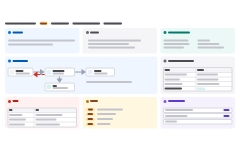
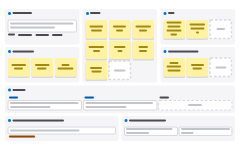
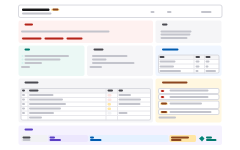
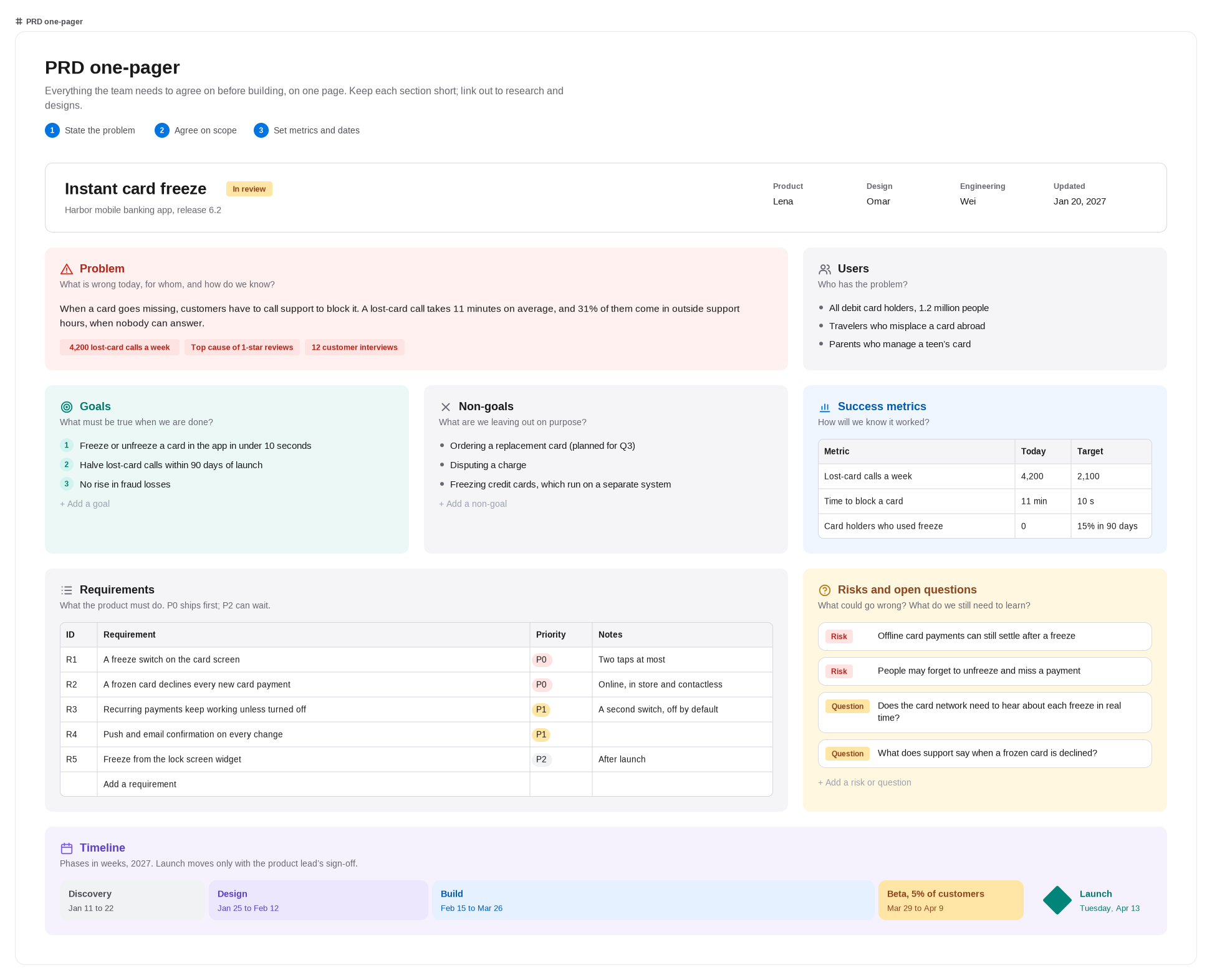
This template lays those parts out as cards on one board. The example is a feature called “Instant card freeze” for release 6.2 of a mobile banking app, currently marked In review.
Title strip, problem and users
The strip at the top carries the feature name, its status, and who is responsible: Lena for product, Omar for design, Wei for engineering, with the date of the last update. A reader knows in five seconds whom to ask.
The Problem card asks “What is wrong today, for whom, and how do we know?” The example answers all three. Customers who lose a card have to call support to block it. A lost-card call takes 11 minutes on average, and 31% of them come in outside support hours. Three tags under the text give the evidence: 4,200 lost-card calls a week, the top cause of 1-star reviews, 12 customer interviews.
The Users card lists who has the problem: all debit card holders, 1.2 million people, plus travelers who misplace a card abroad and parents who manage a teen’s card.
Goals, non-goals and success metrics
The middle row holds three cards that define done. Goals are numbered and testable: freeze or unfreeze a card in the app in under 10 seconds, halve lost-card calls within 90 days of launch, and no rise in fraud losses.
Non-goals are what the team leaves out on purpose. Ordering a replacement card is planned for Q3. Disputing a charge is out. So is freezing credit cards, which run on a separate system. This card prevents more arguments than any other on the page.
Success metrics is a small table with Today and Target columns. Lost-card calls a week go from 4,200 to 2,100. Time to block a card goes from 11 min to 10 s.
Requirements with priorities
The requirements table has four columns: ID, Requirement, Priority and Notes. The card’s subtitle explains the scale: P0 ships first, P2 can wait.
Read the example rows as a model. R1 is “A freeze switch on the card screen”, P0, with the note “Two taps at most”. R2 says a frozen card declines every new card payment: online, in store and contactless. R3, a P1, keeps recurring payments working unless turned off. R5, freezing from the lock screen widget, is P2 and marked “After launch”.
Each row describes behavior, not design. It says what must happen and leaves the how to the people building it. The IDs let a ticket or a test refer back to one line.
Risks and open questions
A one-pager that hides its doubts gets surprised later. This card separates two kinds of entry with a tag. A Risk is something that could go wrong: offline card payments can still settle after a freeze, and people may forget to unfreeze and miss a payment. A Question is something the team still needs to learn, such as whether the card network needs to hear about each freeze in real time.
Reviewers read this card first, because it shows where their knowledge is needed. Close each question before the build phase and move the answer into the requirements.
How to use the PRD one-pager template
- Open a copy. Use this template adds the board to your workspace with the card-freeze example in every section.
- State the problem. Rewrite the title strip, then the Problem and Users cards. Add at least one number and say where it came from.
- Agree on scope. Fill goals and non-goals with design and engineering in the room, then list requirements and give each a priority.
- Set metrics and dates. Enter today’s value and a target for each metric and resize the timeline blocks to your phases.
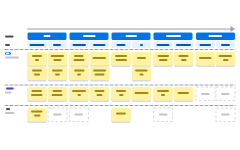
The timeline in the example runs from discovery, Jan 11 to 22, through design and build to a beta with 5% of customers and a launch on Tuesday, Apr 13. Its subtitle sets one rule: launch moves only with the product lead’s sign-off.
When one page is enough, and when it is not
A one-pager suits a single feature or a small release, where the aim is fast agreement among product, design and engineering. It forces short answers, and short answers get read.
A larger system with several services needs more room for architecture and trade-offs: use a technical design doc alongside it. If the problem itself is still unclear, a lean UX canvas frames it as hypotheses first. After sign-off, break the requirements into a user story map to plan releases.
Questions about the PRD one-pager template
What should a PRD one-pager include?
The problem and its evidence, the users, goals, non-goals, success metrics, prioritized requirements, risks and open questions, and a timeline. This template has a card for each, plus a title strip with the owners and status.
Who writes the PRD?
Usually the product manager, with input from design and engineering. The example names one owner for each of the three roles in the title strip. Writing the scope cards together saves a round of review later.
What is the purpose of non-goals?
They record what the team has decided not to do in this release, such as ordering a replacement card in the example. Stating them stops scope from growing during the build and answers stakeholder requests before they are made.
How detailed should requirements be on one page?
One line each, describing behavior a tester could check. Keep visual details and edge cases in the design file or in tickets, and refer to them from the Notes column. Five to eight requirements is typical for a single feature.