What is a release plan?
A release plan says what will be in each of the next few releases and when each one ships. It sits between a roadmap, which talks in themes and quarters, and a sprint board, which talks in stories and days. Support, marketing and sales read it to learn what they can promise and from which date.
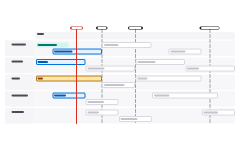
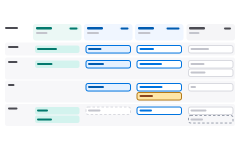
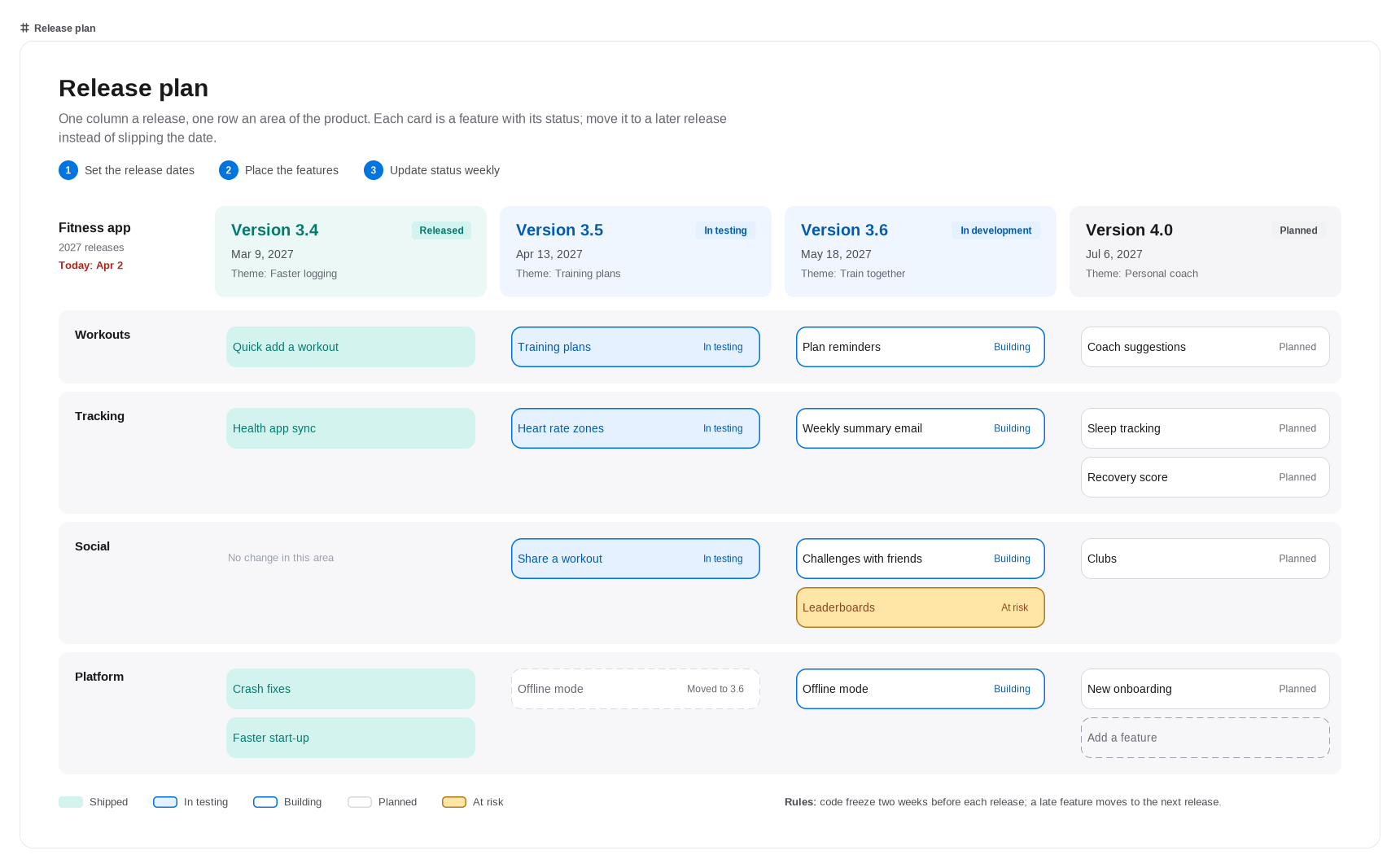
This template is a grid. Each column is a release, each row is an area of the product, and each card is one feature with its status. The example is a fitness app in 2027 with four versions on the board, 3.4 to 4.0, and a marker that reads “Today: Apr 2”.
A column for each release
Every column head carries four facts: the version, its state, its date and its theme.
- Version 3.4, Released, Mar 9, 2027. Theme: Faster logging.
- Version 3.5, In testing, Apr 13. Theme: Training plans.
- Version 3.6, In development, May 18. Theme: Train together.
- Version 4.0, Planned, Jul 6. Theme: Personal coach.
The theme is the short answer to “what is this release about?” If you cannot name one, the release is a bag of unrelated work, and it will be hard to announce. The dates are about five weeks apart, a rhythm the team and its users can learn.
A row for each area of the product
The rows are Workouts, Tracking, Social and Platform. Reading along a row shows how one area grows over the year. Tracking gets a health app sync in 3.4, heart rate zones in 3.5, a weekly summary email in 3.6, then sleep tracking and a recovery score in 4.0.
Rows also show what a release leaves out. In the Social row the 3.4 cell holds no card, only the words “No change in this area”. That is better than an empty cell, which leaves people wondering whether something was forgotten.
Each card has a small status of its own. In 3.6 most cards read “Building”. One, Leaderboards, is amber and reads “At risk”, so the reader can tell a release that is mostly safe from one that is not.
Move the feature, keep the date
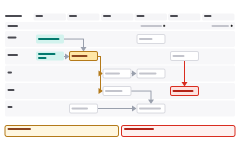
The Platform row shows the rule this board is built around. “Offline mode” appears twice. In the 3.5 column it is a dashed outline with the tag “Moved to 3.6”. In the 3.6 column it is a normal card marked “Building”. The feature was not ready, so it changed columns. Version 3.5 still ships on Apr 13.
The line at the bottom of the board states it: code freeze two weeks before each release; a late feature moves to the next release. Leaving the dashed ghost in the old column is a small honest touch. Anyone who was told “offline mode in 3.5” can see what happened without asking.
Beside the rules, a key lists the five card states: Shipped, In testing, Building, Planned and At risk.
How to use the release plan template
- Open it as a new board. Use this template creates a copy with the fitness app plan on it.
- Set the release dates. Rename the four column heads and give each a date and a theme. Fix the dates before you place a single feature.
- Place the features. Rename the rows to your product areas, then put each feature in the earliest release it can truly make. The dashed “Add a feature” card is there to copy.
- Update status weekly. Change each card’s tag and color to match the key, and move the “Today” marker. Two weeks before a release, anything not in testing moves one column to the right.
Look at the two middle columns of the example on Apr 2. Version 3.5 is past its freeze, so its three remaining cards all read “In testing”. Version 3.6 is where the building happens.
Release plan, roadmap or backlog?
Use a release plan when you ship in versions and other teams need to know what each one contains. It looks two to four releases ahead. Further out, features are too uncertain to pin to a version, and a project roadmap or a now, next, later roadmap is the more honest picture.
Below the level of a feature, the detail belongs in the product backlog. And for the day of the release itself, the steps from freeze to announcement, a release checklist covers what this grid does not.
Questions about the Release plan template
What is the difference between a release plan and a roadmap?
A roadmap shows direction: themes and goals over quarters, with few promises. A release plan is concrete: named features in dated versions for the next few months. The themes on this board, such as “Train together”, are the link back to the roadmap.
What happens when a feature is not ready in time?
It moves to the next release and the date holds. The example does this with offline mode, which leaves 3.5 and joins 3.6. The alternative, delaying the release, makes every other finished feature wait for the slowest one.
How many releases should the plan show?
Three or four: the last one shipped, the one in testing, the one in development and the next one planned. That is what the example shows. Older releases can be deleted from the board once nobody asks about them.
Who should see the release plan?
Everyone who has to prepare for a release: support, marketing, sales and the teams building it. Share the board so they can view and comment, and keep editing with the person who owns the plan.